EasyCargo Alternatives: What to Compare in a Load Planner
Evaluating EasyCargo or an EasyCargo alternative? A neutral checklist for comparing load planners on trial, Excel input, editing, weights, stops and sharing.
Operations & software · · 7 min read
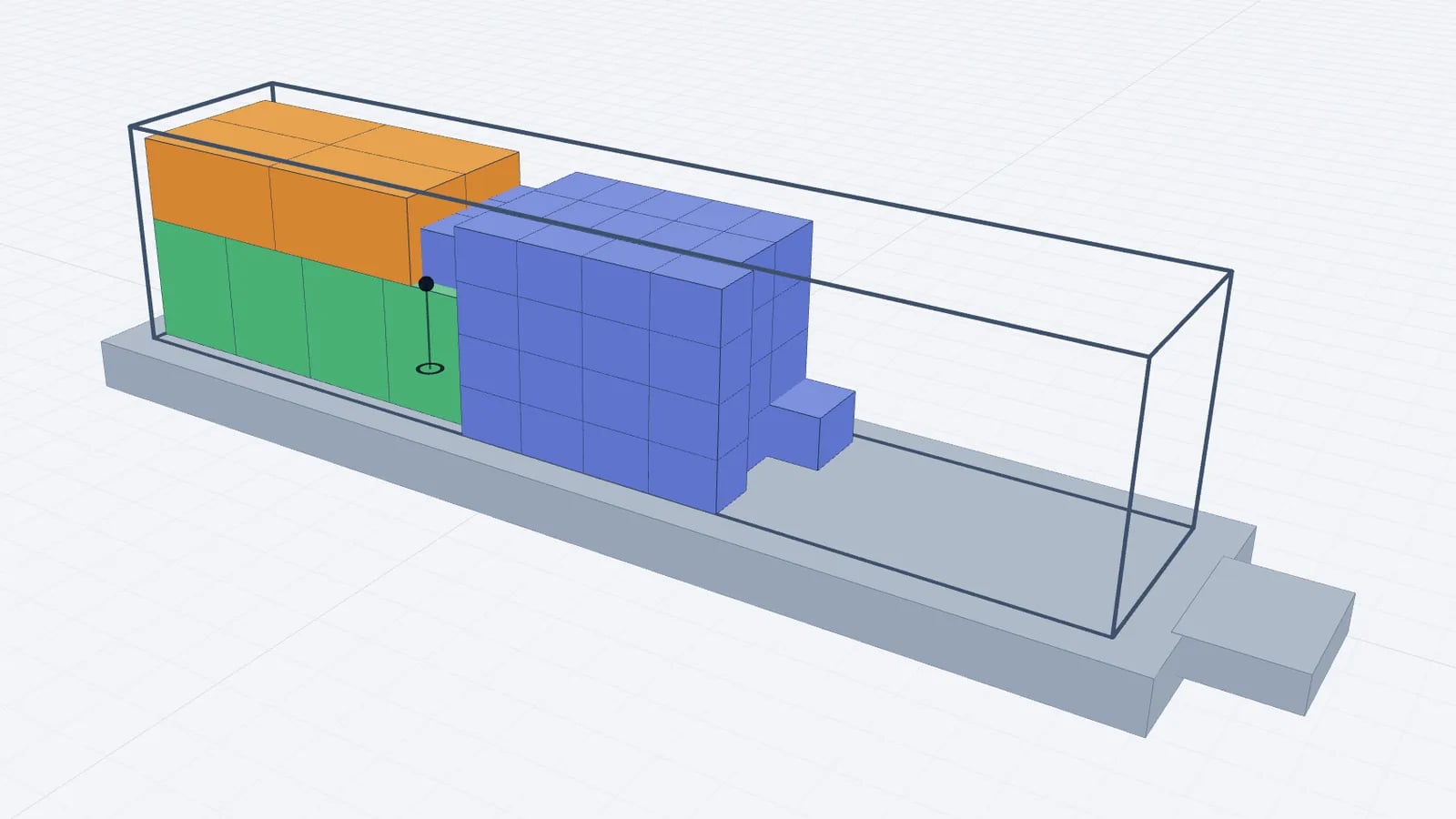
EasyCargo is an online container and truck load planner from Bee Interactive in Prague, used to plan loads in 3D and edit them by hand. If you are evaluating EasyCargo or looking at alternatives, compare the tools on the work you do every day: how packing lists get in, which loading spaces and weight checks you need, how stops are handled, and what the dock and driver receive. Test every candidate on a handful of your own loads.
This article is a checklist for that evaluation, written so you can use it whichever tool you end up with. For a sourced, dated table comparing EasyCargo and EveryLoading row by row, with links to EasyCargo's own pages, see our EasyCargo alternative comparison. Product details and prices change, so confirm current terms on each vendor's site.
Decide what problem you are solving
Load planners look similar in a demo: a box, some coloured cargo, an optimise button. The differences appear in the parts of the job around the 3D view. Before comparing anything, write down the two or three things that matter most to you. Common ones:
- Data entry time. Packing lists arrive as spreadsheets, ERP exports or emails. Getting them into the planner is often the largest part of the planning time.
- The mix of loading spaces. Only containers, or trucks, trailers, pallets and air ULDs as well.
- Weight rules. Payload only, or axle loads and centre of gravity too.
- Multi-drop work. Whether cargo is grouped by destination so the first delivery is near the door.
- Output. What the warehouse and the driver get: printed reports, a step-by-step sequence, a shared link.
- Integration and cost. Whether a system needs to send orders automatically, and the yearly cost for your number of planners or occasional users.
What to compare in EasyCargo and any alternative
Area: Where it runs
- What to check
- Browser, desktop, phone viewer apps
- Why it matters
- IT approval, Mac/Windows mix, viewing plans on the dock
Area: Trial
- What to check
- Length, whether a card is needed, whether it is the full version
- Why it matters
- You need your real loads to judge
Area: Licensing
- What to check
- Per user, monthly or yearly, short-term access for occasional use
- Why it matters
- Fits a full-time team or an occasional planner differently
Area: Excel input
- What to check
- Pasting rows, importing a template, your own column layout, export back to Excel
- Why it matters
- Data entry is most of the work
Area: Manual editing
- What to check
- Drag and drop, snapping, collision checks, rotating
- Why it matters
- Every optimised plan gets adjusted by hand
Area: Loading spaces
- What to check
- Containers, trucks, trailers, flatbeds, pallets, ULDs, custom sizes
- Why it matters
- Your fleet and modes, not the brochure's
Area: Weights
- What to check
- Payload, weight distribution, axle loads, centre of gravity
- Why it matters
- A legal load is more than a full load
Area: Stops and priorities
- What to check
- How destinations or groups are entered and loaded
- Why it matters
- Multi-drop work depends on it
Area: Output
- What to check
- Step-by-step report, printouts, shared plans
- Why it matters
- The dock needs instructions, not a picture
Area: Integration
- What to check
- API, ERP connectors, automation tools
- Why it matters
- Matters once plans start from orders
| Area | What to check | Why it matters |
|---|---|---|
| Where it runs | Browser, desktop, phone viewer apps | IT approval, Mac/Windows mix, viewing plans on the dock |
| Trial | Length, whether a card is needed, whether it is the full version | You need your real loads to judge |
| Licensing | Per user, monthly or yearly, short-term access for occasional use | Fits a full-time team or an occasional planner differently |
| Excel input | Pasting rows, importing a template, your own column layout, export back to Excel | Data entry is most of the work |
| Manual editing | Drag and drop, snapping, collision checks, rotating | Every optimised plan gets adjusted by hand |
| Loading spaces | Containers, trucks, trailers, flatbeds, pallets, ULDs, custom sizes | Your fleet and modes, not the brochure's |
| Weights | Payload, weight distribution, axle loads, centre of gravity | A legal load is more than a full load |
| Stops and priorities | How destinations or groups are entered and loaded | Multi-drop work depends on it |
| Output | Step-by-step report, printouts, shared plans | The dock needs instructions, not a picture |
| Integration | API, ERP connectors, automation tools | Matters once plans start from orders |
A quick cross-check helps with any tool: run the same vehicle and pallets through a standalone pallet calculator and compare the count. For the wider set of questions to ask any vendor, see what to look for in load planning software.
What EasyCargo lists
On the date of our comparison (5 November 2026), EasyCargo's own home page and price list stated the following:
- Runs online in the web browser, with iOS and Android viewer apps.
- Trial: a 10-day free trial of the full version, no credit card required.
- Licensing: per user, monthly or yearly, plus one-day tickets sold in packs of 10 or more. The figures are in the comparison table linked above.
- Excel: import from an Excel template, and export of the load plan to Excel.
- Editing: a manual load plan editor with drag and drop and auto-snap.
- Loading spaces: containers, pallets, trucks, trailers and semitrailers with 1 to 3 axles, flatbeds, and your own spaces.
- Weights: the vehicle's weight limits are respected and weight distribution is checked against permitted limits.
- Stops: priority groups that sort cargo by final destination.
- Output: a step-by-step load report, print reports, and load plans shared online.
- Integration: API, SAP integration and make.com.
That is a broad feature set. Teams that need SAP integration, an export of the plan back to Excel, phone viewer apps or short-term tickets for occasional use will find those listed on EasyCargo's side.
Good to know
EasyCargo is a trademark of its owner. EveryLoading is not affiliated with or endorsed by EasyCargo. Check EasyCargo's website for its current features and prices.
What EveryLoading offers on the same points
EveryLoading runs in the web browser with nothing to install. You can start with a free account that plans loads of up to 20 cargo pieces in trucks, vans and standard 20 ft, 40 ft and 40 ft HC containers; Pro has a 3-day free trial and unlocks everything else.
- Excel: paste rows from Excel straight into the cargo table; CSV and XLSX import on Pro.
- Editing: drag, stack and rotate in 3D with collision checks and snapping.
- Loading spaces: truck, trailer, sea container, air ULD and pallet presets, plus your own sizes.
- Weights: an axle-load and centre-of-gravity estimate, with warnings above your limits.
- Stops: a stop number per cargo row; later stops are loaded deeper.
- Output: a loading sequence step by step, PDF and read-only share links.
- Integration: a developer REST API (Pro); see the developer documentation.
Both tools plan in 3D in the browser and let you change the result by hand, so the choice usually comes down to how your data arrives, which outputs your dock uses and how licensing fits your team.
Run a fair side-by-side test
- 1Pick four or five real loads from the last month: a simple full container, a truck with mixed pallet sizes, a load with stacking limits, and a multi-drop load if you do them.
- 2Prepare each packing list once, in the format you really receive it, and enter it into each tool the way it allows. Time the data entry separately from the planning.
- 3Use the same inside dimensions, payload and rules in both: stackable or not, weight on top, rotation, delivery groups.
- 4Optimise, then make the hand changes your loaders would make, and note how long that takes.
- 5Compare the result: what was loaded, what was left out, the weight and axle warnings, and whether the arrangement is one a forklift driver would actually build.
- 6Print or share each plan and show it to the person who loads. Ask which one they would work from.
- 7Work out the yearly cost for your real number of users, including anyone who only views or plans occasionally.
Time is usually the deciding number. If one tool saves four minutes on each of 20 loads a day, that is 80 minutes of planner time daily, about 300 hours over a working year. Set that against the licence difference, whichever way it goes. Load planning software ROI has a fuller way to work it out.
Questions to ask any vendor
- Can I bring my existing spreadsheet layout, or do I have to copy it into your template?
- How are wheel arches, doors and other vehicle parts handled, if my vehicles have them?
- How are axle loads calculated, and for which vehicle types?
- What does the driver or warehouse receive, and does it need an account to open?
- What happens to my saved plans if I stop paying?
- Is there an API, and which plan includes it?
Tip
Ask each vendor the same questions in writing and keep the answers with the date. Features and plans change, and a dated answer is easier to check later than a memory of a demo.
Making the decision
Pick on evidence from your own loads, not on feature lists, including this one. If your priorities are SAP integration or occasional one-day access, weigh what EasyCargo lists for those. If they are pasting packing lists straight from Excel, starting on a free account, and getting axle estimates, a loading sequence and share links in one plan, try EveryLoading alongside it. For other tools, see the comparison of EveryLoading and other load planners and the Goodloading alternative checklist.
Frequently asked questions
What is EasyCargo?
EasyCargo is an online 3D load planner for containers, trucks, trailers and pallets, made by Bee Interactive in Prague. It runs in the web browser and has viewer apps for iOS and Android.
Does EasyCargo have a free trial?
On 5 November 2026 its pricing page listed a 10-day free trial of the full version without a credit card. Check its site for the current terms.
Is there a free alternative to EasyCargo?
EveryLoading has a free account for loads of up to 20 cargo pieces in trucks, vans and standard containers, and a Pro plan with a 3-day free trial for everything else.
How should I compare EasyCargo with other load planners?
Plan four or five of your real loads in each tool, time the data entry and editing, compare the outputs with your loaders, and add up the yearly cost for your actual users.
Keep reading
Operations & software · · 5 min read
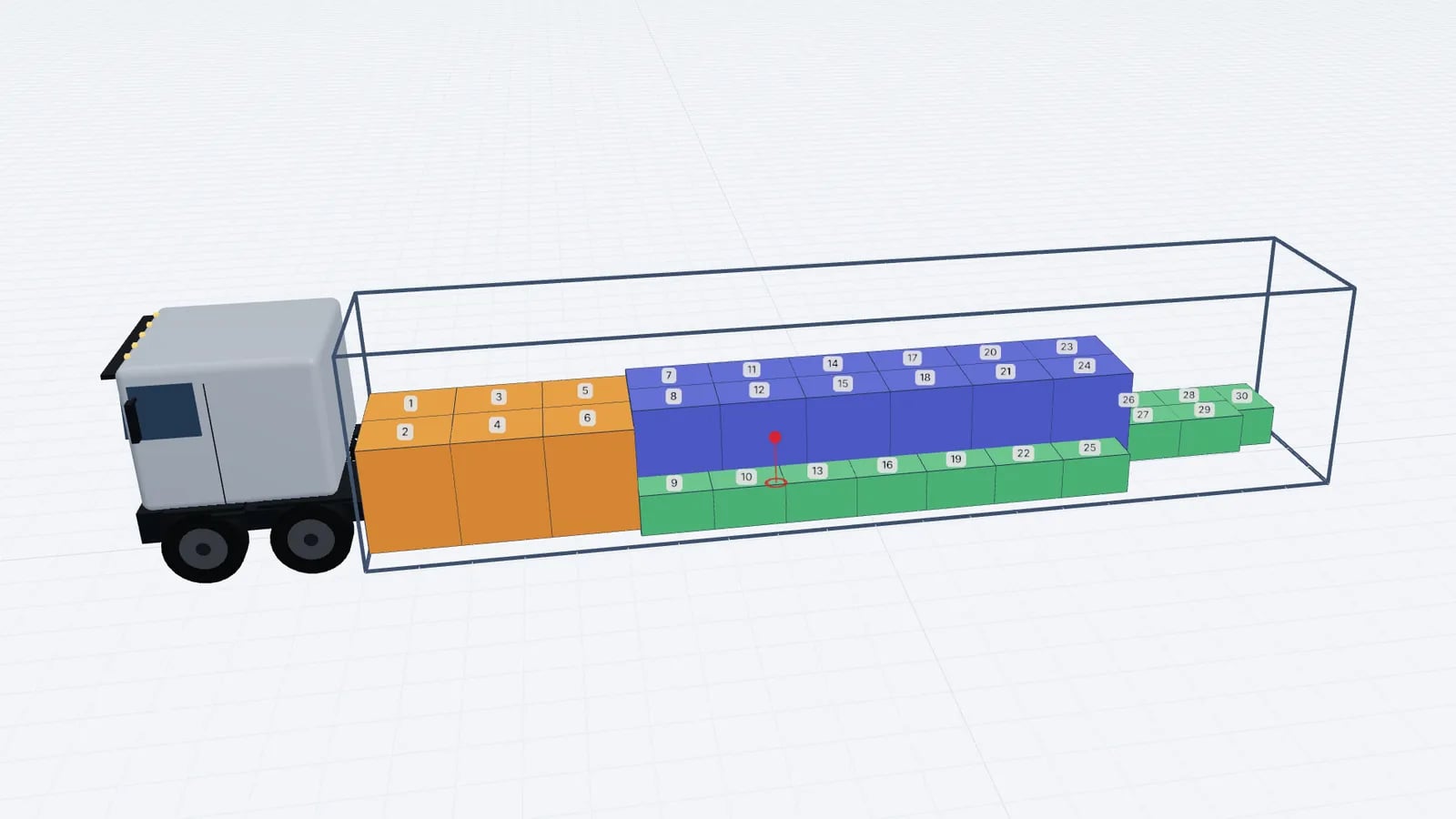
Goodloading Alternative: What to Compare Before Switching
Looking for a Goodloading alternative? What to compare when switching load planners: trial, file import, sequence, multi-stop, axles, vehicles and cost.
Read article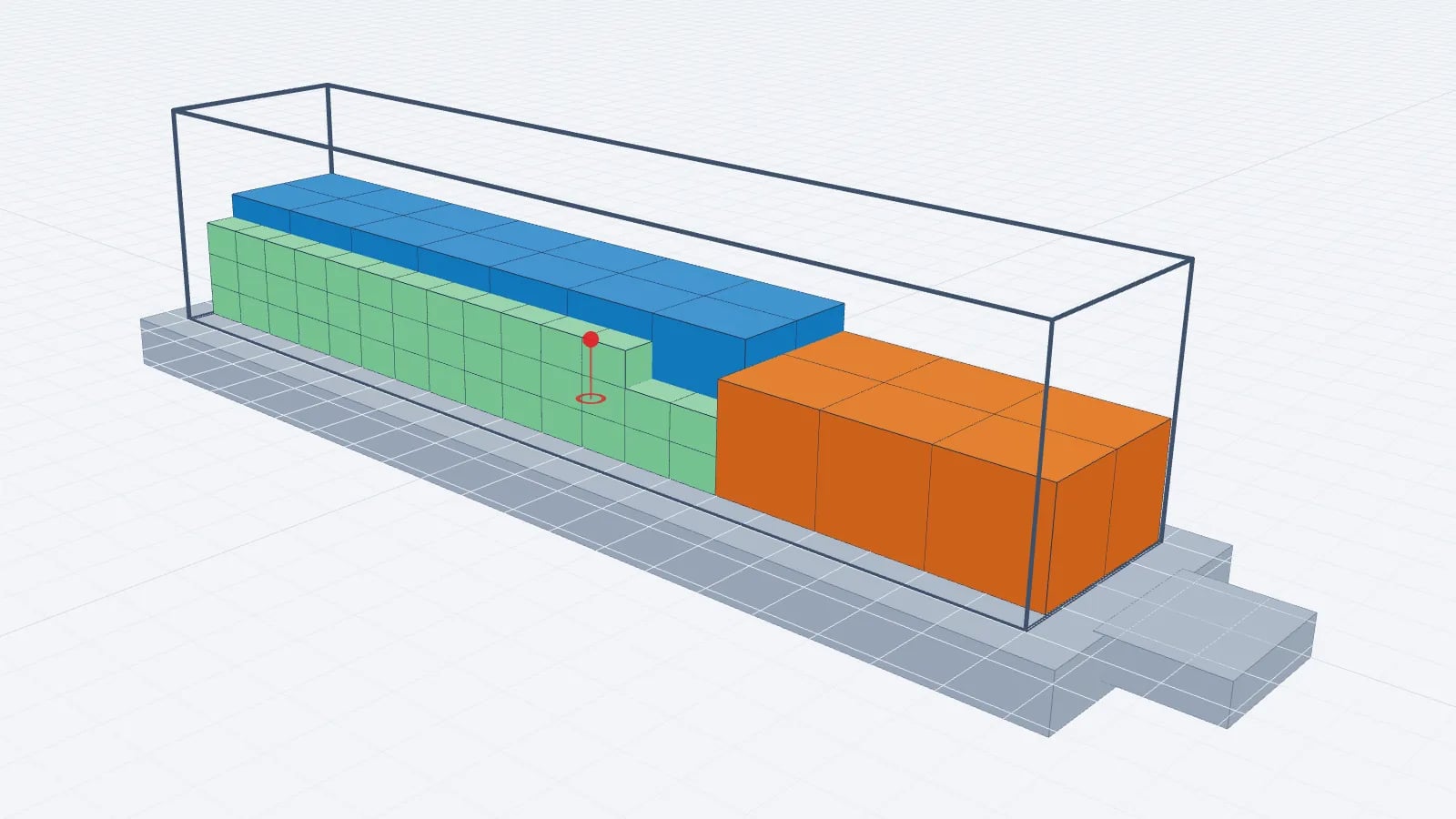
Operations & software · · 7 min read
Load Planning Software: What to Look For Before You Buy
A buyer’s checklist for load planning software: 3D views, stacking and weight rules, Excel import, sequence, multi-stop, PDFs, price and vendor questions.
Read article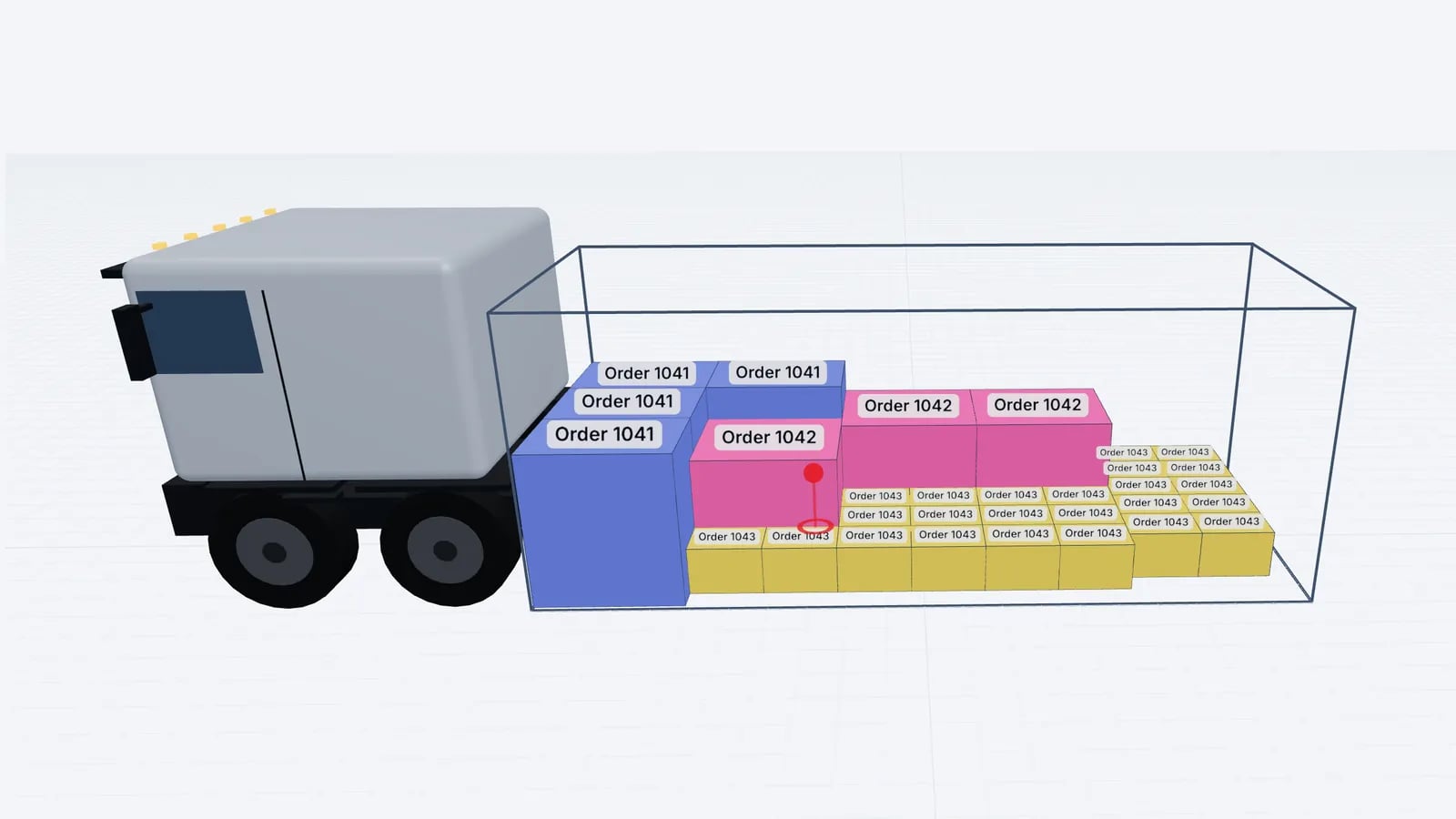
Operations & software · · 5 min read
Load Planning in Excel vs a 3D Planner: When to Switch
Where load planning in Excel works, where it breaks (stacking, mixed sizes, axles, sequence) and how to keep your spreadsheet as input for a 3D planner.
Read article