Goodloading Alternative: What to Compare Before Switching
Looking for a Goodloading alternative? What to compare when switching load planners: trial, file import, sequence, multi-stop, axles, vehicles and cost.
Operations & software · · 4 min read
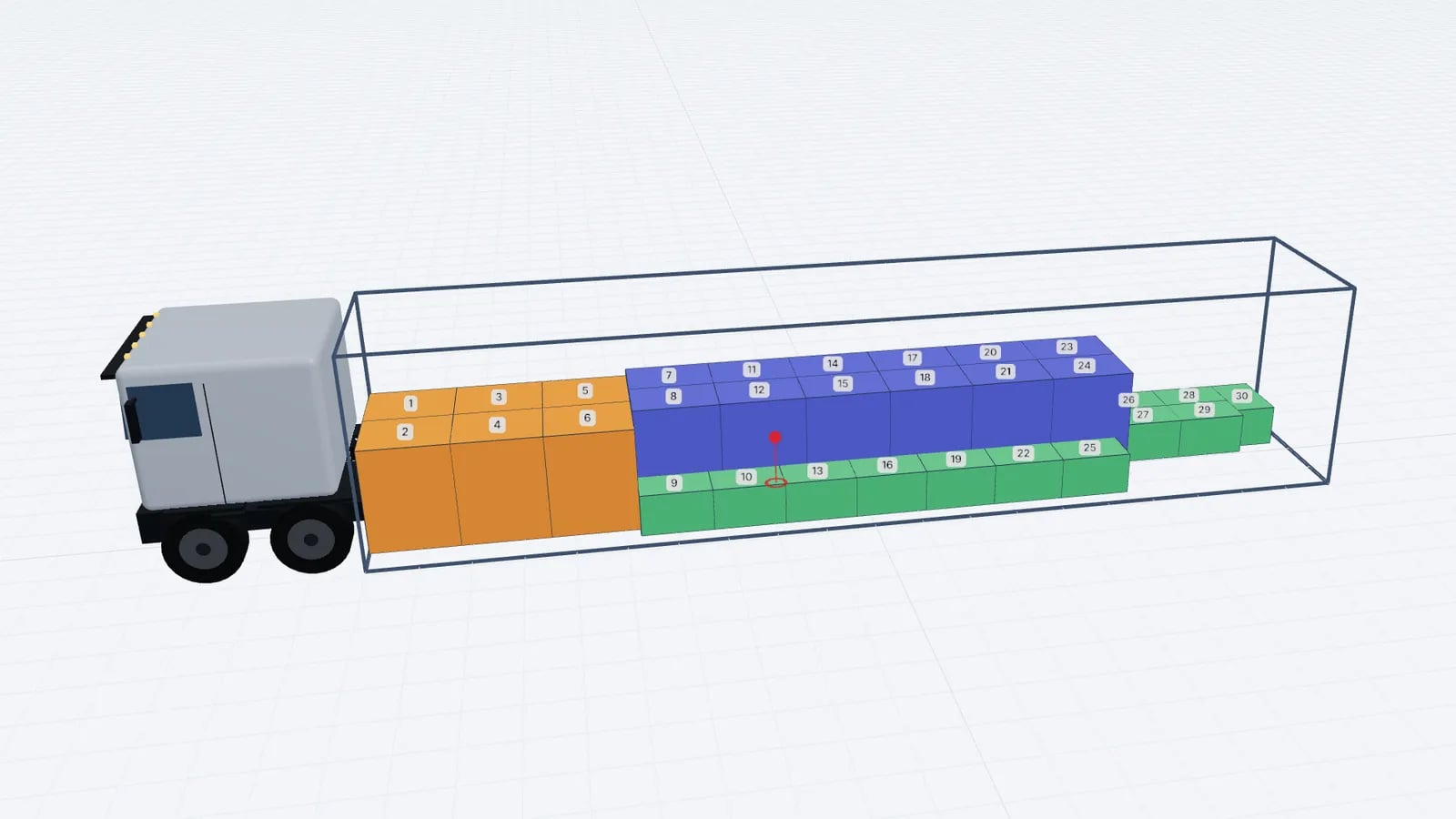
Goodloading is an established browser-based load planner, and many teams use it successfully. If you are looking at alternatives, compare them on the things that decide your daily work: how cargo gets in, which constraints are modelled, what the dock and driver receive, whether your existing files come across, and the yearly cost per planner. Test each candidate on your own loads, not a demo.
This article is a checklist for that comparison. For a feature-by-feature table between Goodloading and EveryLoading, with the date it was checked and links to Goodloading’s own FAQ, price list and manual, see our comparison of EveryLoading and other load planners. Product details change, so always confirm current terms on each vendor’s site.
Start with why you are looking
Switching tools costs time: retraining, re-creating vehicle settings, re-checking a few plans by hand. It is only worth it if a specific need is not met today. Write the reason down before you trial anything. Typical ones are price for the number of planners you have, speed of getting packing lists in, a feature your customers ask for, or simply wanting a second tool to compare plans against.
What to compare
Area: Trial
- What to check
- Length, cost, and whether it includes the paid features
- Why it matters
- You need real loads, not a sample, to judge
Area: Data entry
- What to check
- Paste from Excel, file import, and which plan includes them
- Why it matters
- Data entry is most of the planning time
Area: Existing files
- What to check
- Whether your current CSV/XLSX templates import as they are
- Why it matters
- Saves rebuilding cargo lists
Area: Loading sequence
- What to check
- Where it appears: editor, share link, PDF
- Why it matters
- The dock needs the order, not just the picture
Area: Views
- What to check
- Top, side, rear drawings; colour by stop or weight
- Why it matters
- Drivers read flat drawings
Area: Several vehicles
- What to check
- Identical vehicles only, or mixed types
- Why it matters
- Matters if your fleet is mixed
Area: Axle loads
- What to check
- Model used, number of axles, which plan
- Why it matters
- Estimates differ in method and detail
Area: Multi-stop
- What to check
- How stops are entered and any minimums
- Why it matters
- Distribution work depends on it
Area: Vehicle details
- What to check
- Wheel arches, cooling units, double trailers, special floors
- Why it matters
- Some loads depend on these
Area: Cost
- What to check
- Price for one planner for 12 months, and per extra user
- Why it matters
- The real budget number
| Area | What to check | Why it matters |
|---|---|---|
| Trial | Length, cost, and whether it includes the paid features | You need real loads, not a sample, to judge |
| Data entry | Paste from Excel, file import, and which plan includes them | Data entry is most of the planning time |
| Existing files | Whether your current CSV/XLSX templates import as they are | Saves rebuilding cargo lists |
| Loading sequence | Where it appears: editor, share link, PDF | The dock needs the order, not just the picture |
| Views | Top, side, rear drawings; colour by stop or weight | Drivers read flat drawings |
| Several vehicles | Identical vehicles only, or mixed types | Matters if your fleet is mixed |
| Axle loads | Model used, number of axles, which plan | Estimates differ in method and detail |
| Multi-stop | How stops are entered and any minimums | Distribution work depends on it |
| Vehicle details | Wheel arches, cooling units, double trailers, special floors | Some loads depend on these |
| Cost | Price for one planner for 12 months, and per extra user | The real budget number |
How the two compare today
On the date of our load planner comparison (22 October 2026), Goodloading listed a 7-day paid trial, Excel input via file import in its PRO plan, import of its own CSV/XLSX templates, a loading sequence shown as an animation in the shared link, several vehicles in one plan including mixed types, axle loads for 2–3 axles in PRO, and multi-stop for one vehicle with at least 3 points.
EveryLoading starts with a free account, and Pro unlocks everything: pasting rows from Excel straight into the cargo table, import of Goodloading CSV/XLSX files, a loading sequence slider and play button in the editor, top/side/rear views with colour by stop or weight, several identical vehicles in one plan, a two-support axle estimate, and a stop number per row for any number of vehicles.
Good to know
Goodloading is a trademark of its owner; EveryLoading is not affiliated with it. Check goodloading.com for its current features and prices.
Run a fair side-by-side test
- 1Pick three to five real loads from the last month: one simple full load, one with mixed pallet sizes, one with stacking rules, and one multi-drop if you do them.
- 2Enter each load in both tools the way you would on a normal day, and time it.
- 3Optimise with comparable settings: same vehicle inside dimensions and payload, same stacking and rotation rules.
- 4Compare what was loaded, the loading metres used, and whether the arrangement is one your forklift drivers would actually build.
- 5Print or share the plan from each tool and show it to a loader or driver. Ask which one they would rather work from.
- 6Add up the yearly cost for the number of planners you actually have.
Say your team has three planners. Multiply each vendor’s yearly price per planner by three, check whether any feature you need sits in a higher tier, and compare that total with the time saved per load in your test. A tool that saves five minutes on each of 15 loads a day saves 75 minutes of planner time daily, which is usually worth more than the licence difference either way.
Moving your data across
The least painful switch is one where existing files come with you. EveryLoading reads the Goodloading CSV and XLSX templates (vehicle, sea container, air container, multistop and the older flat template) through the normal import in the cargo tab. Loads, stacking, rotation and stops come across, and the vehicle too if you want it. Settings it cannot model yet, such as wheel arches, cooling unit, Variofloor or door size, are listed after import so nothing disappears silently. The switching from Goodloading guide covers the details.
Tip
After importing, re-run one load you already loaded physically and compare the new plan with what actually went on the truck. It is the quickest way to spot a units mix-up or a missing stacking rule.
Making the decision
Choose on evidence from your own loads. If speed of data entry, the in-editor sequence, or price per planner matters to you, a switch can pay back quickly. For a broader buyer’s checklist, see what to look for in load planning software.
Frequently asked questions
Can I import my Goodloading files into EveryLoading?
Yes. The Goodloading CSV/XLSX templates are recognised by the normal file import, and anything that cannot be modelled yet is listed rather than dropped.
How much does EveryLoading cost?
You can start with a free account and plan small truck loads straight away. Pro unlocks everything, and the current plans are shown inside the planner. Check each vendor’s own site for their current terms.
How long does a fair comparison take?
Planning three to five of your real loads in each tool usually takes a few hours and tells you more than any feature list.
Keep reading
Operations & software · · 6 min read
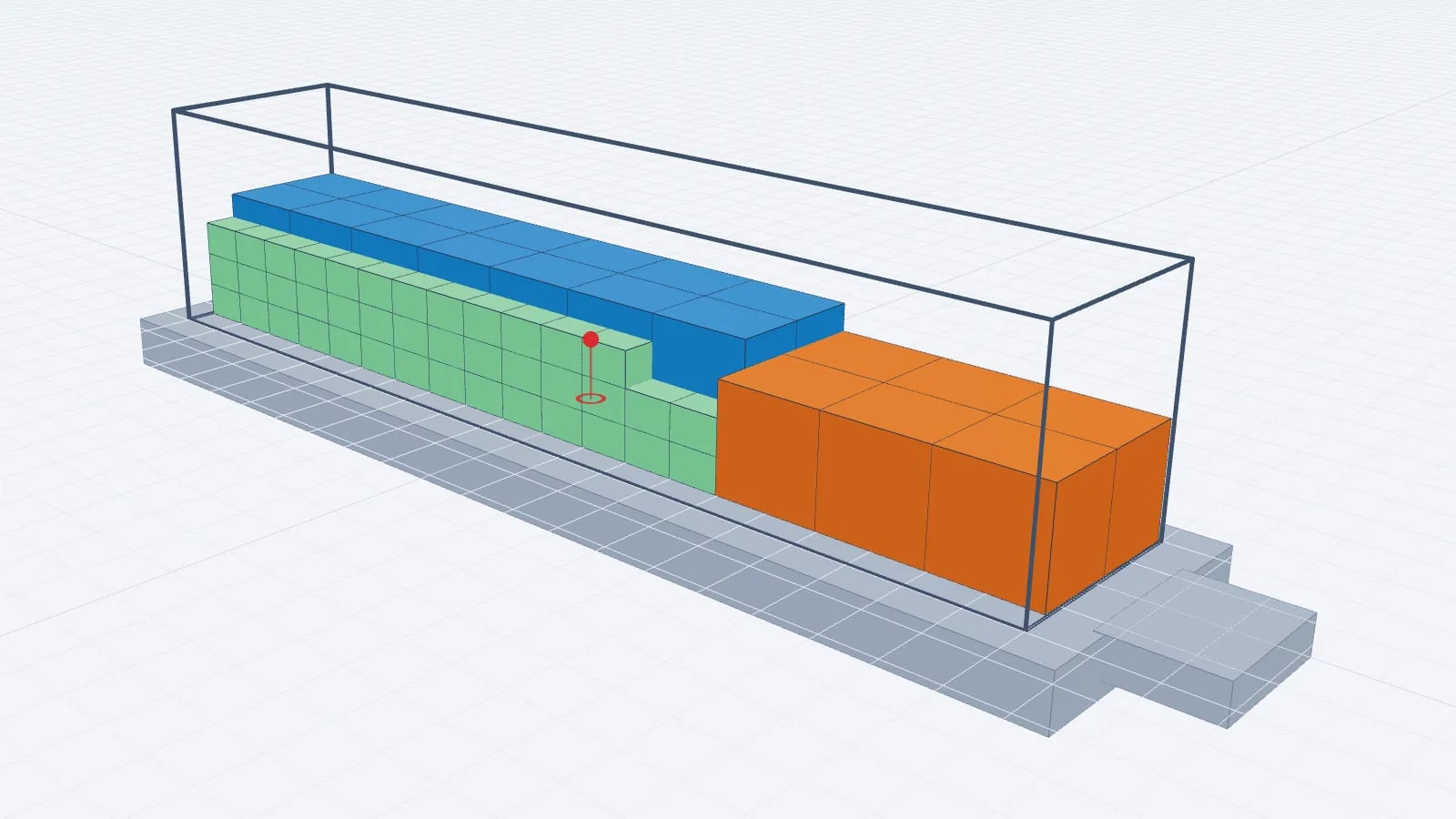
Load Planning Software: What to Look For Before You Buy
A buyer’s checklist for load planning software: 3D views, stacking and weight rules, Excel import, sequence, multi-stop, PDFs, price and vendor questions.
Read article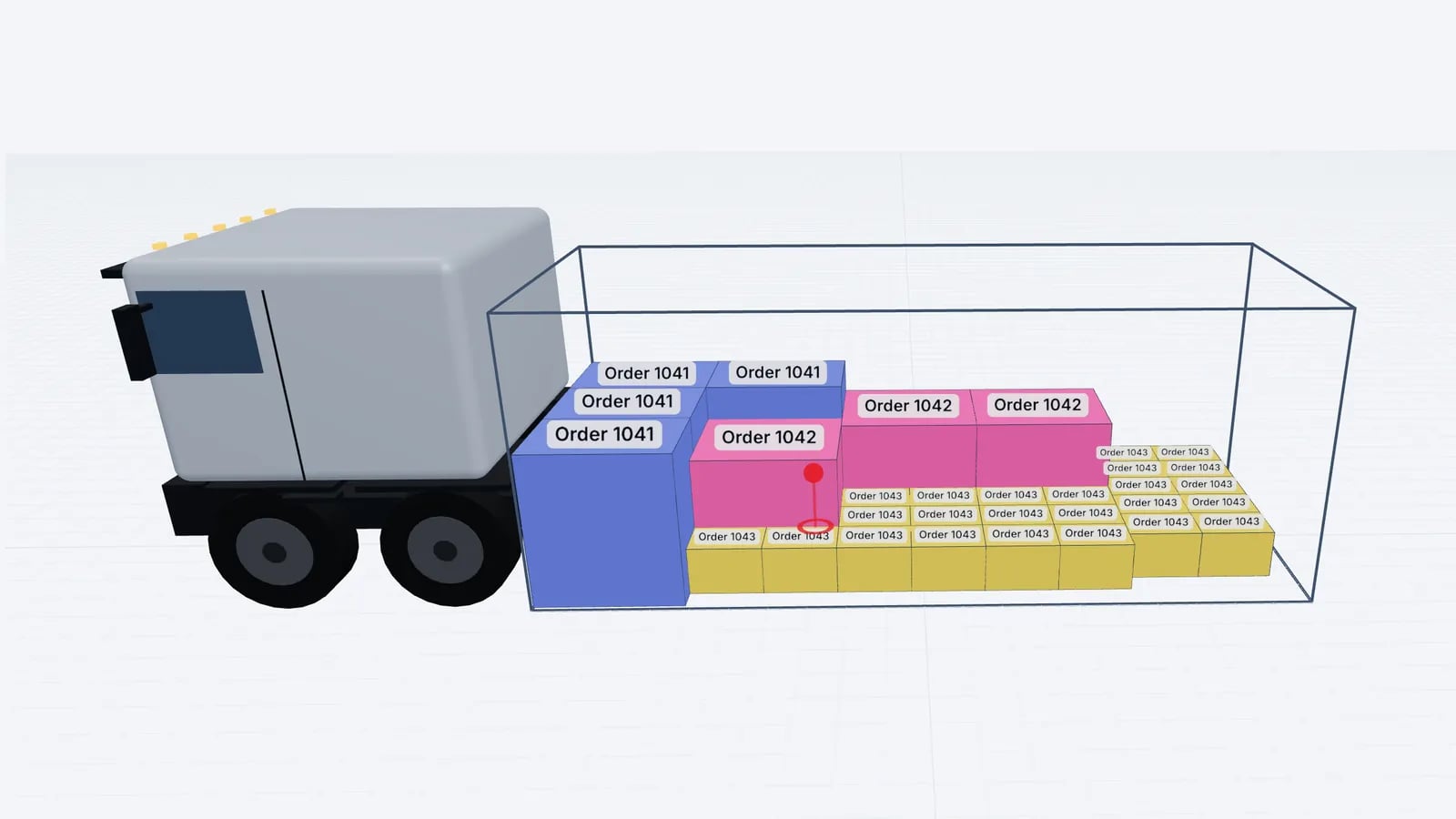
Operations & software · · 5 min read
Load Planning in Excel vs a 3D Planner: When to Switch
Where load planning in Excel works, where it breaks (stacking, mixed sizes, axles, sequence) and how to keep your spreadsheet as input for a 3D planner.
Read article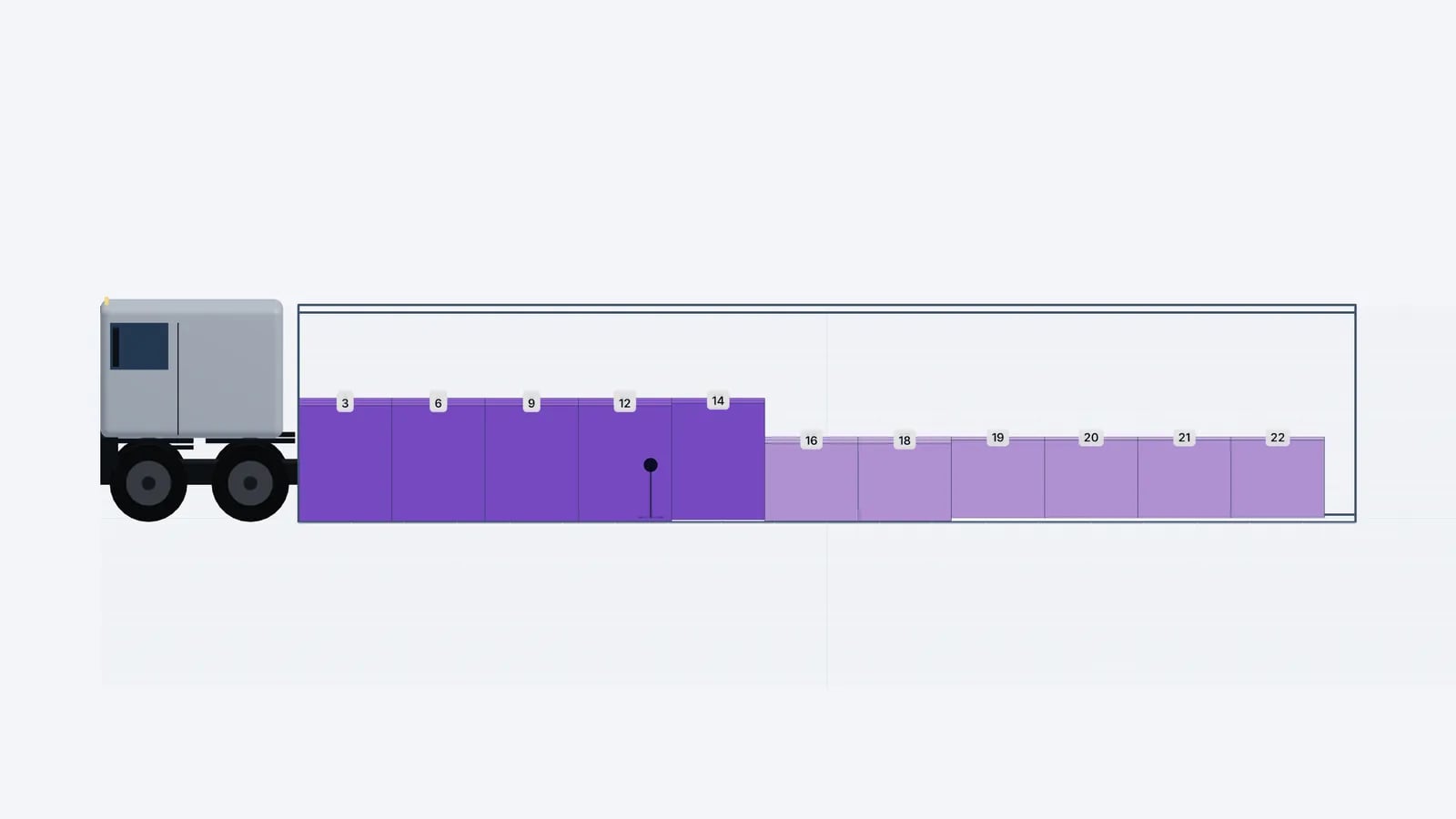
Operations & software · · 5 min read
Loading Plan for Drivers: What the Paper and the Link Need
What drivers and the warehouse need in a loading plan: manifest, loading sequence, top/side/rear drawings, stop order and weights, on paper or a phone link.
Read article