Paste or import a packing list
Copy rows from Excel or Google Sheets, or import a CSV / XLSX file.
Paste from Excel or Google Sheets
- 1In your spreadsheet, select the rows with columns in this order: Name, Length, Width, Height, Weight, Qty. A header row is fine.
- 2Copy them (Ctrl/⌘ C).
- 3In the planner, click the empty row in the cargo table and paste (Ctrl/⌘ V).
Headers and units written in the header, such as "Length (mm)", are detected. If the sizes look like millimetres but the units say centimetres, you get a warning: switch the unit and paste again.
Import a CSV or Excel file
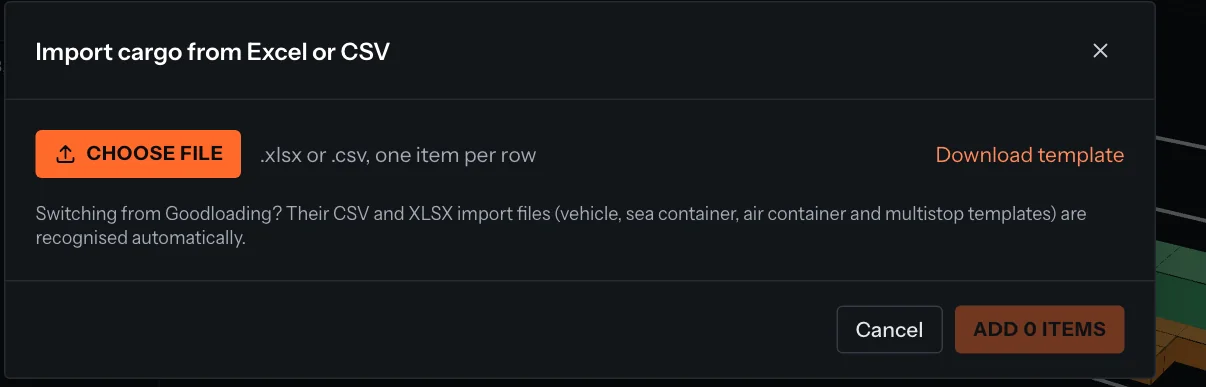
- 1In the Cargo tab, click Import file.
- 2Click Choose file and pick a .csv or .xlsx file with one item per row. No file yet? Download template gives you one with the right columns.
- 3Check the preview. Set Sizes in and Weight in if the file uses other units.
- 4Click Add … items. The rows are added to your cargo list.
Tip
Coming from another load planner? Its import templates are often recognised automatically. See Switching from another load planner.
Something unclear or out of date? Tell us and we'll fix the page.