Free Load Planning Software: What You Really Get
What free load planning software and free tiers really include, the limits to check, when a free load planner is enough and when it is time to pay for more.
Operations & software · · 7 min read
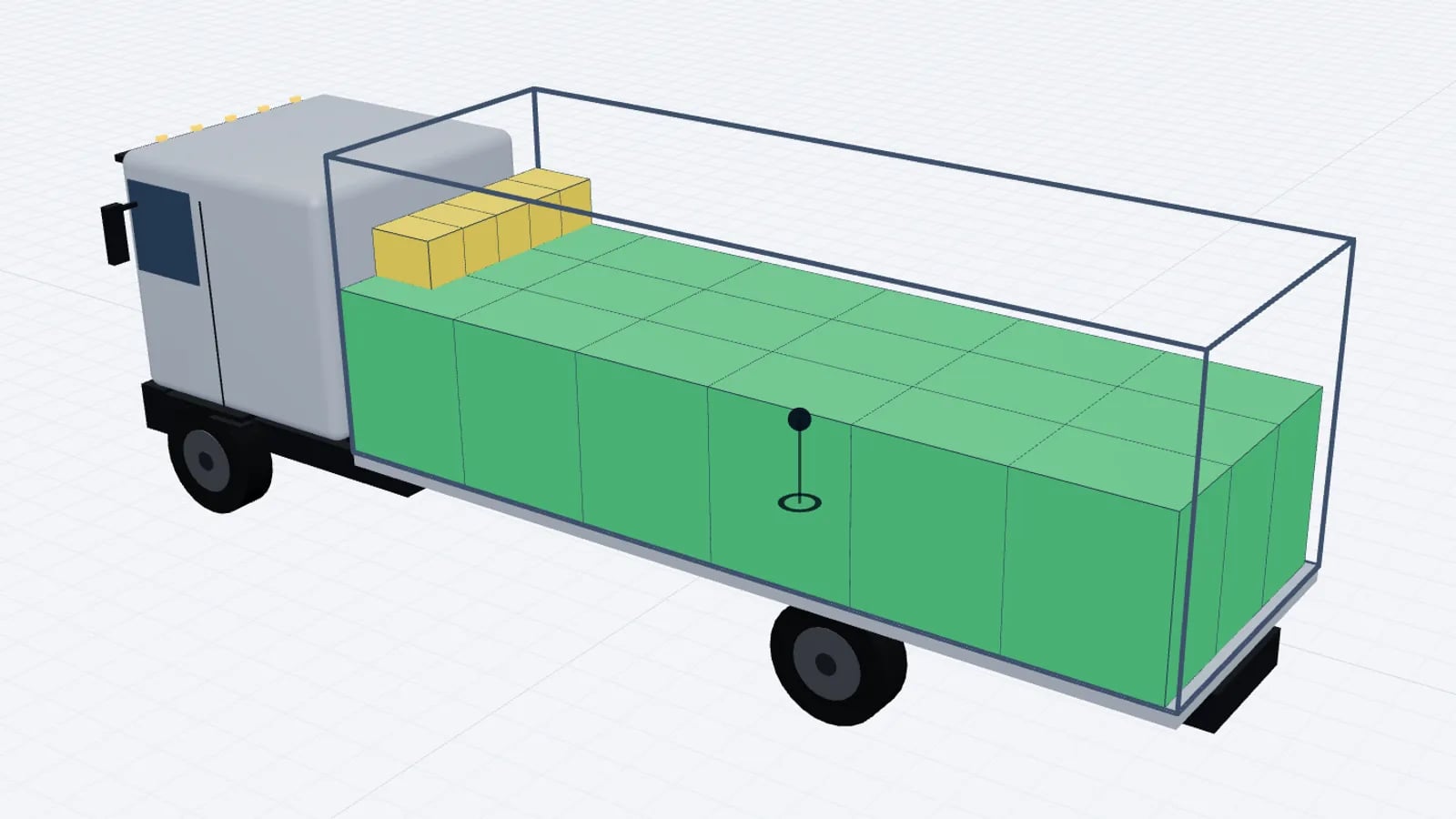
Free load planning software comes in three forms: single-purpose calculators, free tiers of commercial planners, and time-limited trials of the full product. A free option is often enough for occasional, single-vehicle loads of a few dozen pieces. Once you plan daily, split orders across trucks, import packing lists or plan reefers and air containers, the limits of a free plan start costing more than a subscription.
This guide explains what each kind of free tool gives, which limits matter in practice and how to tell when free stops being enough. It does not compare full products; for that, see our buyer’s guide to load planning software.
Three kinds of free load planner
Type: Single-purpose calculator
- What it does
- Answers one question: pallets per trailer, CBM, loading metres, cartons per container
- Typical limits
- One item type, no 3D plan, no saving
- Good for
- Quick quotes and sanity checks
Type: Free tier of a planner
- What it does
- A real 3D plan with an optimiser, within set limits
- Typical limits
- Piece count, vehicle types, saved plans, export
- Good for
- Small or occasional loads
Type: Free trial
- What it does
- The full paid product for a fixed number of days
- Typical limits
- Ends after the trial; may need a card
- Good for
- Testing on your real, full loads
| Type | What it does | Typical limits | Good for |
|---|---|---|---|
| Single-purpose calculator | Answers one question: pallets per trailer, CBM, loading metres, cartons per container | One item type, no 3D plan, no saving | Quick quotes and sanity checks |
| Free tier of a planner | A real 3D plan with an optimiser, within set limits | Piece count, vehicle types, saved plans, export | Small or occasional loads |
| Free trial | The full paid product for a fixed number of days | Ends after the trial; may need a card | Testing on your real, full loads |
Calculators are the most useful free tools for many people. If the question is "how many Euro pallets go in this trailer" or "what is the volume of this shipment", a pallet fit calculator or a CBM calculator answers it faster than any planner. They break down as soon as a load mixes sizes, weights and stacking rules, because they cannot test arrangements against each other.
Limits to check in any free tier
Free tiers are designed to show the product without giving away the work that teams pay for. That is fair, but the limits are not always obvious until you hit them in the middle of a plan. Check these before you rely on one:
- Pieces or item types. Is the cap on total pieces (sum of quantities), on cargo rows, or on plans per month? A load of 33 pallets is 33 pieces; a load of 400 cartons is 400.
- Loading spaces. Are vans, rigid trucks, semi-trailers and standard containers all included, or only some? Reefers, high cubes, air ULDs and pallets as a space are often paid.
- Rules the optimiser respects. Stacking, rotation, maximum weight on top and floor-only items should work on the free plan too, or the plan is not one you can load.
- Saving and history. How many plans can you keep? Can you reopen and adjust last week’s load?
- Getting data in. Typing every item by hand is slow. Can you paste rows from a spreadsheet, or is import paid?
- Getting plans out. Can you print, export a PDF or share a link with the driver? A plan only on your screen does not help at the dock.
- Weight checks. Is there an axle or centre-of-gravity estimate, or only a total payload check?
- Several vehicles. Can one order be split over two trucks, or does the planner leave the rest as "did not fit"?
- Commercial use and data. Read the terms: some free tools are for personal use only, and you should know where your customers’ cargo data is stored.
Tip
Test a free tier with your largest normal load, not your smallest. The point is to find out where the limit sits relative to your real work.
What EveryLoading’s free account includes
EveryLoading is a browser-based planner, so there is nothing to install. A free account plans loads of up to 20 cargo pieces in every truck and van preset and in standard 20 ft, 40 ft and 40 ft high cube containers. You get the 3D optimiser with stacking and rotation rules, manual dragging and stacking with collision checks, and you can paste rows from Excel straight into the cargo table. A load with more than 20 pieces is still optimised and shown in 3D as a preview, so you can see whether it fits; saving, PDF and share links for that load need Pro. Loads within the limit can be saved (up to 3 plans), downloaded as a PDF and shared as a read-only link, with a small EveryLoading credit.
Pro starts with a 3-day free trial (card required) and unlocks everything: CSV and XLSX file import, plans across several trucks, the axle-load and centre-of-gravity estimate, PDFs and share links without the credit, reefers, 45 ft containers, air ULDs, pallets as a loading space, and the developer REST API. The free calculators under free tools need no account at all.
Other planners take different approaches. On the date of our load planner comparison, EasyCargo offered a 10-day free trial of its full version without a credit card, Cargo-Planner a 10-day free trial with all modules and no credit card, and PackVol fully functional trials of 14 to 45 days depending on edition. Confirm current terms on each vendor’s site.
Good to know
EasyCargo, Cargo-Planner and PackVol are trademarks of their owners. EveryLoading is not affiliated with or endorsed by them.
When free load planning software is enough
Free works well when the load is small, the vehicle is one of the standard ones and the plan is mostly for your own reassurance. Typical examples:
- A workshop shipping a few crates and pallets in a rigid truck once or twice a week.
- A moving or events team checking that 30 to 40 pieces fit a van before booking it.
- A sales person checking whether an order of 20 pallets fits one 20 ft container before quoting.
- A student or new planner learning how stacking and rotation change the result.
A worked example: an order of 18 Euro pallets (120 × 80 × 140 cm, 450 kg) and 12 cartons stacked on top. That is 30 pieces and 8,100 kg of pallets plus the cartons. It fits a free plan, and the optimiser will tell you whether it goes on a 15-pallet rigid truck (no: the floor holds 15 Euro pallets in the 620 cm body, and these pallets are too tall to double-stack in 250 cm of height) or needs the 18-pallet rigid with a 730 cm body and an 8,000 kg payload. Here the payload is the problem: 8,100 kg of pallets already exceeds 8,000 kg, so the planner leaves items out and you know to book a bigger truck before the driver finds out at the weighbridge.
When to upgrade
The signals are practical, not about features for their own sake. Upgrade, or at least run a trial, when one of these happens every week:
Signal: Loads above the piece limit
- Why free stops working
- You can see the plan but not save or share it
- Feature you need
- Unlimited pieces and saved plans
Signal: Packing lists arrive as files
- Why free stops working
- Re-typing 200 lines takes longer than the plan
- Feature you need
- CSV / XLSX import
Signal: Orders split over vehicles
- Why free stops working
- The rest is left as "did not fit"
- Feature you need
- Multi-truck plans
Signal: Drivers or warehouses ask for the plan
- Why free stops working
- A screenshot loses the sequence and the item list
- Feature you need
- PDF and share links
Signal: Heavy or uneven loads
- Why free stops working
- Payload is fine but an axle may not be
- Feature you need
- Axle-load and CoG estimate
Signal: Reefers, ULDs or pallet building
- Why free stops working
- The space is not in the free set
- Feature you need
- All loading spaces
Signal: Another system holds the orders
- Why free stops working
- Someone copies data by hand
- Feature you need
- API
| Signal | Why free stops working | Feature you need |
|---|---|---|
| Loads above the piece limit | You can see the plan but not save or share it | Unlimited pieces and saved plans |
| Packing lists arrive as files | Re-typing 200 lines takes longer than the plan | CSV / XLSX import |
| Orders split over vehicles | The rest is left as "did not fit" | Multi-truck plans |
| Drivers or warehouses ask for the plan | A screenshot loses the sequence and the item list | PDF and share links |
| Heavy or uneven loads | Payload is fine but an axle may not be | Axle-load and CoG estimate |
| Reefers, ULDs or pallet building | The space is not in the free set | All loading spaces |
| Another system holds the orders | Someone copies data by hand | API |
If you are unsure, put a number on it. Ten minutes of re-typing per load, at 20 loads a month, is more than three planner hours a month. Our article on load planning software ROI shows how to compare that with a subscription. The comparison of Excel and a 3D planner covers the case where the free option is a spreadsheet you already have.
Getting the most from a free plan
- 1Enter inside dimensions and payload of your actual vehicle, not the sales brochure size. Bodies vary by builder.
- 2Group identical items into one row with a quantity; it keeps the cargo list short and the plan readable.
- 3Set stacking and rotation rules per row before optimising, not after.
- 4Use the free calculators for quick yes-or-no questions and save the planner for mixed loads.
- 5When a load goes over the limit, look at the preview anyway: it tells you which vehicle to book even if you cannot save it.
You can open the planner and start with a free account to see where your own loads sit against the limits. If you then roll it out to a team, the 30-day implementation plan helps you set it up properly.
Frequently asked questions
Is there free load planning software for trucks?
Yes. Several planners have a free tier or trial, and EveryLoading’s free account plans loads of up to 20 pieces in trucks, vans and standard sea containers with the 3D optimiser. Simple calculators for pallets, CBM and loading metres are free without an account.
What is the catch with free load planners?
Usually a cap on pieces, loading spaces or saved plans, and paid features such as file import, PDF export, share links, several vehicles and axle estimates. Check the terms for commercial use too.
Is a free trial better than a free plan?
They answer different questions. A free plan shows whether small loads can stay free for good; a trial lets you test the full product on your biggest, most complicated loads before paying.
Can I plan a container load for free?
In EveryLoading, standard 20 ft, 40 ft and 40 ft high cube containers are in the free account for loads up to 20 pieces. For carton counts in a container without an account, use the free cartons-in-container calculator.
Keep reading
Operations & software · · 7 min read
Load Planning Software Integration with ERP, WMS and TMS
Load planning software integration explained: what data flows between ERP, WMS or TMS and the planner, file import vs REST API, and a step-by-step approach.
Read article
Operations & software · · 7 min read
Load Planning Software Implementation: A 30-Day Plan
A 30-day load planning software implementation plan: vehicle and cargo master data, pilot loads, training for planners and the dock, and how to measure results.
Read article
Operations & software · · 7 min read
Booking Cargo Space: Pallet Places, LDM, CBM and Weight
How to work out and book cargo space with a carrier or forwarder: pallet places, LDM, CBM, chargeable weight, and what the booking needs to avoid re-quotes.
Read article