Load Planning Software Implementation: A 30-Day Plan
A 30-day load planning software implementation plan: vehicle and cargo master data, pilot loads, training for planners and the dock, and how to measure results.
Operations & software · · 7 min read
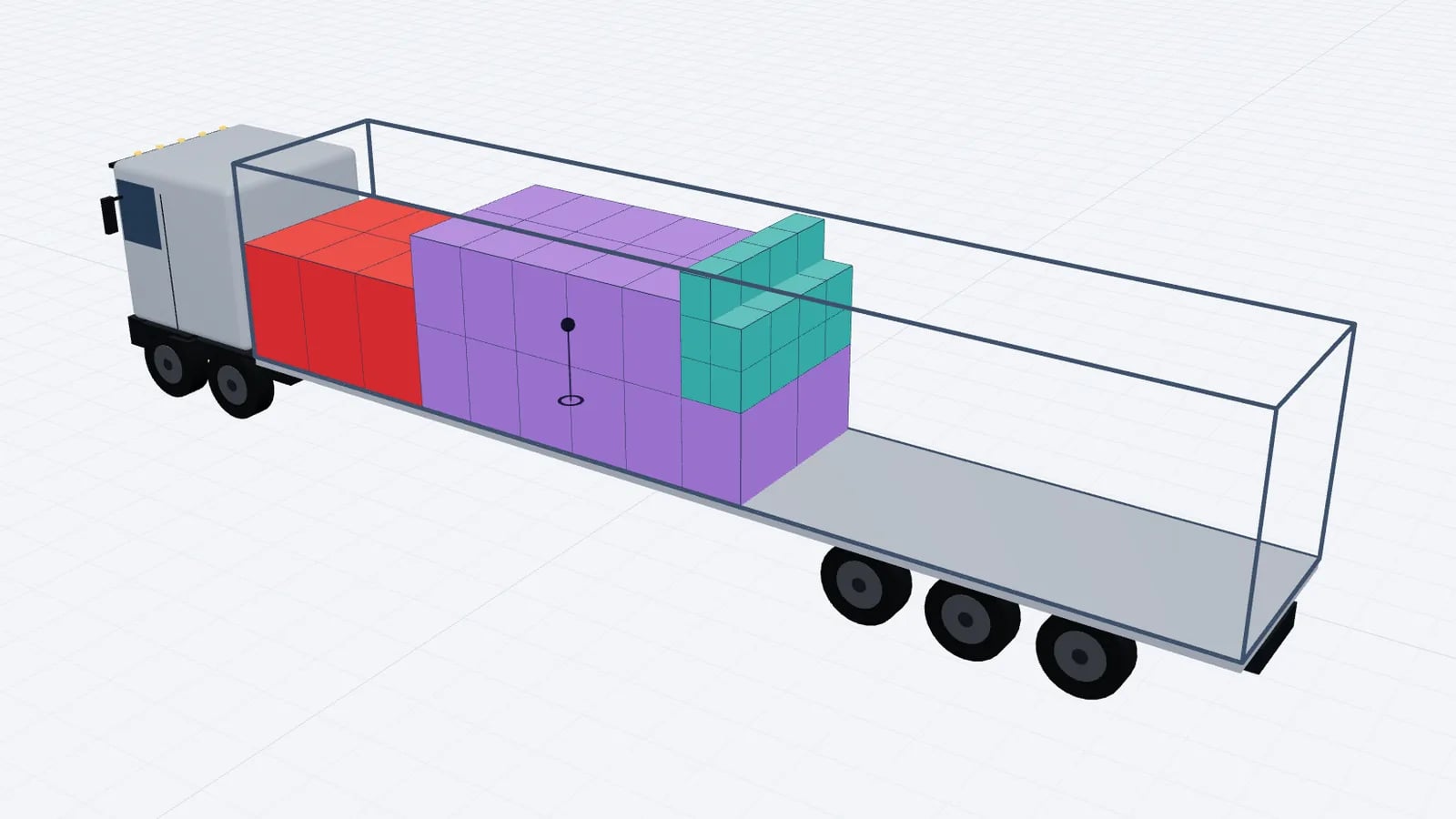
A load planning software implementation for a small or mid-sized team takes about 30 days when it is run as four one-week stages: set the baseline and master data, run pilot loads, train planners and the dock, then switch over and measure. Most of the effort is not in the software. It is in getting correct vehicle and cargo data and in making sure the people loading the truck trust the plan.
This plan assumes you have already picked a tool. If not, start with what to look for in load planning software and how to work out its ROI. The schedule below works for a team of one to five planners shipping trucks or containers daily; larger sites can run the same stages per depot.
Before day 1: owner, scope and baseline
Name one owner, usually the senior planner or the transport manager, who decides on rules and answers questions. Pick the scope: which depots, which vehicle types, which customers. Starting with one flow, say outbound semi-trailers from the main warehouse, is better than switching everything at once.
Then record a baseline for the last four weeks, because without it you cannot show the result later:
- Loads shipped and average fill by loading metres and by weight (our guide to fill rate KPIs has the formulas).
- Orders that needed an extra vehicle or went partly as groupage.
- Average planning time per load, timed on a sample of ten.
- Re-loads at the dock, overload incidents and loading-related damage claims.
Week 1: vehicle and cargo master data
A planner is only as good as its inputs. Wrong inside dimensions or missing weights produce plans that do not fit in reality, and one such plan is enough for the dock to stop trusting the tool. Spend the first week on data.
Vehicles. For each vehicle type you use, measure or look up the inside length, width and height and the real payload (gross vehicle weight minus the weight of that vehicle as it runs, not the brochure figure). Note anything that takes space: wheel arches, a cooling unit at the front wall, a door opening smaller than the body, a second deck. Bodies vary by builder; a "33-pallet" semi-trailer is commonly 1,360 × 245 × 270 cm with about 24,000 kg payload, but yours may differ by a few centimetres, and a few centimetres decide whether a third pallet fits across. Once the sizes are in, a quick run through the pallet fit calculator for each vehicle gives you a floor count to sanity-check the planner against.
Cargo. Build one list of the products or handling units you ship most, with length, width, height and weight per unit, and the rules: stackable or not, maximum weight on top, may it be turned on its side, must it stand on the floor. Do the top 50 to 100 SKUs first; they usually cover most of your loads. Our guide to preparing a packing list for load planning covers the cleaning step and the usual errors (mm in a cm column, gross vs net weight).
Field: Name / SKU
- Example
- PAL-EUR-PAINT-20L
- Check
- Unique, as used on the pick list
Field: L × W × H (cm)
- Example
- 120 × 80 × 115
- Check
- Measured on a loaded unit, including overhang and wrap
Field: Weight (kg)
- Example
- 640
- Check
- Gross, including the pallet
Field: Stackable
- Example
- Yes, 1 high
- Check
- Agreed with the warehouse
Field: Max weight on top (kg)
- Example
- 700
- Check
- From the packaging spec or a test
Field: Rotation
- Example
- This side up
- Check
- Matches the label on the goods
Field: Floor only
- Example
- No
- Check
- Yes for heavy or liquid loads you never lift
| Field | Example | Check |
|---|---|---|
| Name / SKU | PAL-EUR-PAINT-20L | Unique, as used on the pick list |
| L × W × H (cm) | 120 × 80 × 115 | Measured on a loaded unit, including overhang and wrap |
| Weight (kg) | 640 | Gross, including the pallet |
| Stackable | Yes, 1 high | Agreed with the warehouse |
| Max weight on top (kg) | 700 | From the packaging spec or a test |
| Rotation | This side up | Matches the label on the goods |
| Floor only | No | Yes for heavy or liquid loads you never lift |
Tip
Measure ten real pallets from the dock, not the product spec. Shrink-wrapped pallets are often 2 to 4 cm wider than the base, which is enough to stop three going side by side in a 245 cm trailer.
Week 2: pilot loads
Choose 10 to 15 loads from the last month that cover your mix: a full load of one product, a mixed load, one with fragile or non-stackable items, a heavy load close to payload, and a multi-drop if you do them. Plan each one in the new software and compare it with what actually went on the truck.
- 1Enter or import the order lines exactly as they came, using the master data from week 1.
- 2Choose the vehicle that was actually used and optimise.
- 3Compare: did the software fit the same, more or less? Did it use fewer loading metres? Any axle or weight warnings?
- 4Ask an experienced loader to look at three of the plans. Would they build it that way? If not, why?
- 5Fix the cause in the data or the rules, not in the plan: a wrong stacking rule will come back on every load.
- 6Then plan five upcoming loads in parallel with the old method and load two of them from the new plan.
In EveryLoading, pilot work is quick because you can paste rows from Excel into the cargo table, or on Pro import a CSV or XLSX file, and the loading sequence shows the order in which the dock should place the items. Use Save as to keep the old and new version of a pilot load side by side.
Good to know
Expect the optimiser to find arrangements your team does not use, such as mixing lengthwise and crosswise pallets. Treat these as questions, not errors: sometimes they are better, sometimes a forklift cannot reach that position. Agree the house rules during the pilot.
Week 3: train planners and the dock
Planners need half a day each: entering and importing cargo, setting rules, choosing vehicles, optimising, adjusting by hand, checking weights and handing the plan over. Have each planner do three real loads alone while the owner checks the result. Our load planner training guide has a pre-release checklist you can adopt as it is.
The dock needs 15 minutes, but it matters more. Show the loaders what the plan looks like, how to read the sequence and the top, side and rear views, and what to do if reality differs (a pallet taller than stated, a missing item). Agree that they report differences rather than improvising silently; those reports are how your master data gets better.
Week 4: switch over and measure
From week 4 every load in scope is planned in the new tool. Keep the old method available for a week as a fallback, but do not run both in parallel any longer; double work kills adoption. At the end of the week compare with the baseline.
Measure: Loads shipped for the same volume
- Baseline (4 weeks)
- 120
- Week 4
- 117
- What it tells you
- Vehicles saved (here 2.5 %)
Measure: Average fill by loading metres
- Baseline (4 weeks)
- 81 %
- Week 4
- 83 %
- What it tells you
- Better use of floor space
Measure: Planning time per load
- Baseline (4 weeks)
- 22 min
- Week 4
- 9 min
- What it tells you
- Planner capacity gained
Measure: Re-loads at the dock
- Baseline (4 weeks)
- 4
- Week 4
- 1
- What it tells you
- Plans that fit in reality
Measure: Overload or axle incidents
- Baseline (4 weeks)
- 1
- Week 4
- 0
- What it tells you
- Weight checks working
| Measure | Baseline (4 weeks) | Week 4 | What it tells you |
|---|---|---|---|
| Loads shipped for the same volume | 120 | 117 | Vehicles saved (here 2.5 %) |
| Average fill by loading metres | 81 % | 83 % | Better use of floor space |
| Planning time per load | 22 min | 9 min | Planner capacity gained |
| Re-loads at the dock | 4 | 1 | Plans that fit in reality |
| Overload or axle incidents | 1 | 0 | Weight checks working |
The figures above are illustrative. One week is a small sample, so keep tracking for two more months before drawing firm conclusions, and watch for volume or product-mix changes that move the numbers on their own.
Common reasons implementations stall
- Bad dimensions. One plan that does not fit and the dock stops trusting all plans. Fix data first.
- No owner. Rules such as "never two layers of this product" need one person to decide and record them.
- Parallel running for too long. After the pilot, switch.
- Ignoring the loaders. If the plan is unbuildable with your forklifts, the crew will ignore it. Ask them early.
- Trying to integrate on day 1. Connect the ERP or WMS after the manual process works; see load planning software integration.
After day 30
Extend the scope one flow at a time: the next depot, containers, multi-drop routes. Review master data monthly with the dock’s difference reports. Once the process is stable, look at automating the data entry. If you want to try the steps above on your own loads first, you can start with a free account in the planner.
Frequently asked questions
How long does it take to implement load planning software?
For a team of a few planners, about four weeks: one for master data, one for pilot loads, one for training and one to switch over. Integration with other systems usually comes later.
What data do I need before starting?
Inside dimensions and real payloads of your vehicles, and dimensions, weights and stacking or rotation rules for your most-shipped products. Starting with the top 50 to 100 items is enough.
How do I get warehouse staff to use the load plan?
Show them a plan for a load they know, ask for their opinion during the pilot and act on it, and agree a simple way to report when reality differs from the plan.
How do I prove the software is working?
Record a four-week baseline of vehicles used, fill, planning time and re-loads before you start, then compare the same numbers after the switch over at least two to three months.
Keep reading
Operations & software · · 7 min read
Load Planning Software Integration with ERP, WMS and TMS
Load planning software integration explained: what data flows between ERP, WMS or TMS and the planner, file import vs REST API, and a step-by-step approach.
Read article
Operations & software · · 7 min read
Booking Cargo Space: Pallet Places, LDM, CBM and Weight
How to work out and book cargo space with a carrier or forwarder: pallet places, LDM, CBM, chargeable weight, and what the booking needs to avoid re-quotes.
Read article
Operations & software · · 7 min read
Cargo Loading Software for Freight Forwarders
How freight forwarders use cargo loading software for quoting, consolidation, LCL and groupage, choosing containers and sharing load plans with shippers.
Read article