Packing List for Load Planning: Fields, Formats and Clean-Up
What a packing list needs for load planning: size and weight per piece, quantity, stacking and stops. How to clean the data and paste it into a 3D planner.
Operations & software · · 5 min read
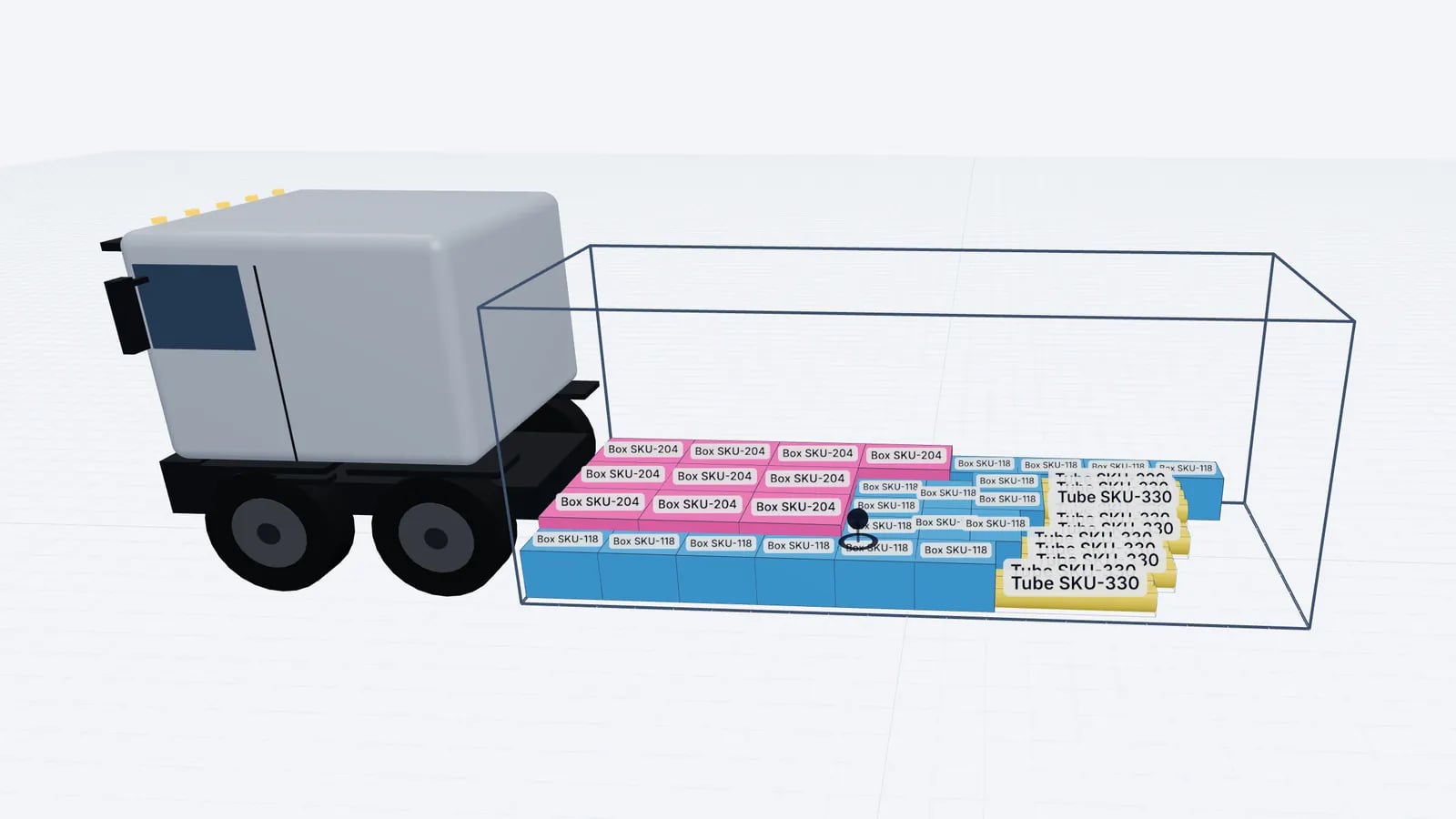
A packing list that works for load planning has one row per item type with its length, width and height, the weight of one piece, the quantity and any handling rules such as "not stackable" or "this side up". For multi-drop loads it also has the delivery stop. Commercial packing lists often lack some of these or mix units, so a short clean-up before planning saves a wrong plan later.
Commercial packing list vs planning packing list
The packing list that travels with a shipment is mainly a commercial and customs document: it lists goods, packages, marks and numbers, net and gross weights, sometimes per line, sometimes per package. A load planner needs something narrower but stricter: the physical size and weight of every handling unit (pallet, crate, carton, drum) as it will stand in the vehicle.
Field: Item name or reference
- Needed for planning
- Yes
- Notes
- Short and recognisable at the dock
Field: Length, width, height
- Needed for planning
- Yes
- Notes
- Of the handling unit, including pallet and overhang
Field: Weight per piece
- Needed for planning
- Yes
- Notes
- Gross weight of one unit, not the line total
Field: Quantity
- Needed for planning
- Yes
- Notes
- Number of identical units
Field: Stackable / max weight on top
- Needed for planning
- Strongly recommended
- Notes
- From the shipper or product spec
Field: Orientation (this side up)
- Needed for planning
- Recommended
- Notes
- Whether it may be turned or tipped
Field: Delivery stop
- Needed for planning
- For multi-drop
- Notes
- 1 = first drop
Field: Order or customer reference
- Needed for planning
- Useful
- Notes
- For labels and the manifest
Field: HS code, value, origin
- Needed for planning
- No
- Notes
- Customs fields; keep them in the commercial document
| Field | Needed for planning | Notes |
|---|---|---|
| Item name or reference | Yes | Short and recognisable at the dock |
| Length, width, height | Yes | Of the handling unit, including pallet and overhang |
| Weight per piece | Yes | Gross weight of one unit, not the line total |
| Quantity | Yes | Number of identical units |
| Stackable / max weight on top | Strongly recommended | From the shipper or product spec |
| Orientation (this side up) | Recommended | Whether it may be turned or tipped |
| Delivery stop | For multi-drop | 1 = first drop |
| Order or customer reference | Useful | For labels and the manifest |
| HS code, value, origin | No | Customs fields; keep them in the commercial document |
Common data problems
- Mixed units. Some lines in millimetres, others in centimetres; inches and pounds from US suppliers.
- Line weight instead of piece weight. "20 cartons, 240 kg" can mean 12 kg each or 240 kg each.
- Product size instead of package size. The item may be 100 cm long, its packed carton 108 cm.
- Pallet height without the pallet. A Euro pallet itself is about 14.4 cm high; a "goods height" of 120 cm becomes about 134 cm on the pallet.
- Merged rows and subtotals. Spreadsheet formatting that looks fine but pastes as empty or duplicated rows.
- Missing handling notes. "Fragile" written in a comment column or not at all.
Cleaning the list: a worked example
Say a supplier sends this list for a hypothetical export load:
Description: Pump assembly on pallet
- Dimensions
- 1200×800×1050 mm
- Weight
- 3,600 kg
- Pkgs
- 6
Description: Spare parts carton
- Dimensions
- 60 × 40 × 35 cm
- Weight
- 18 kg
- Pkgs
- 24
Description: Control cabinet, crated
- Dimensions
- 47 × 31 × 79 in
- Weight
- 320 lb
- Pkgs
- 2
| Description | Dimensions | Weight | Pkgs |
|---|---|---|---|
| Pump assembly on pallet | 1200×800×1050 mm | 3,600 kg | 6 |
| Spare parts carton | 60 × 40 × 35 cm | 18 kg | 24 |
| Control cabinet, crated | 47 × 31 × 79 in | 320 lb | 2 |
Three units and one ambiguous weight. Cleaned to centimetres and kilograms per piece:
- 1Pumps: 1200 × 800 × 1050 mm = 120 × 80 × 105 cm. 3,600 kg for 6 pallets is 600 kg each; confirm with the supplier that 3,600 is the line total, since a 3,600 kg Euro pallet would be very unusual.
- 2Cartons: already in cm. 18 kg looks like a piece weight for a 60 × 40 × 35 carton; 24 × 18 = 432 kg in total.
- 3Cabinets: 47 × 31 × 79 in × 2.54 = 119.4 × 78.7 × 200.7 cm, round up to 120 × 79 × 201 cm. 320 lb × 0.4536 = 145.2 kg; check whether that is per crate or for both.
- 4Add handling rules: pumps stackable? (ask), cartons stackable, cabinets upright only and nothing on top.
- 5Total weight, assuming the cabinet weight is per crate: 6 × 600 + 432 + 2 × 145.2 = 3,600 + 432 + 290.4 = 4,322.4 kg.
Tip
Round dimensions up, never down. A plan built on 119.4 cm can leave a 6 mm gap that does not exist in reality.
The cabinets at 201 cm tall will fit in a standard 20′ or 40′ container (inside height about 239 cm), but nothing can stand on them and their door clearance should be checked. Those are exactly the things that only show up once the list is clean. For more on choosing containers see 20ft vs 40ft container.
A format that pastes cleanly
Keep the planning list as a plain table: one header row, one row per item type, one value per cell, no merged cells, no subtotals. A practical column order is Name, Length, Width, Height, Weight, Qty, with the unit in the header, for example "Length (cm)" and "Weight (kg)". Add a Stop column for multi-drop loads.
That order is also what EveryLoading expects when you paste: select the rows in Excel or Google Sheets, copy, click the empty row in the cargo table and paste. Units in the header are recognised, and if the numbers look like millimetres while the units say centimetres you get a warning. For recurring lists, a CSV or XLSX file can be imported instead, and there is a template to download. See paste or import a packing list.
From clean list to plan
- 1Paste or import the cleaned rows.
- 2Set stacking and rotation rules per row (stacking, rotation and shape).
- 3Choose the vehicle or container by inside dimensions and payload.
- 4Optimise, then check the 3D view: if a pallet looks like a wardrobe, a unit is wrong.
- 5Compare the plan’s total weight with the packing list’s gross weight. They should match.
The full planning routine from here is in how to make a load plan. If you are still planning in a spreadsheet, Excel vs a 3D planner explains where the spreadsheet stops being enough.
Good to know
For sea shipments, the packing list weights also feed the verified gross mass (VGM) declaration required under SOLAS. Accurate piece weights help both the plan and the paperwork; see VGM and SOLAS.
Frequently asked questions
What is the difference between a packing list and a load plan?
The packing list says what is shipped: items, quantities, sizes and weights. The load plan says where each item goes in the vehicle and in which order it is loaded.
Should the packing list give net or gross weight?
For load planning use the gross weight of each handling unit, including packaging and pallet, because that is what the vehicle carries.
Can I paste a packing list from Excel into a load planner?
In most modern planners, yes. Keep one row per item type with columns for name, length, width, height, weight per piece and quantity, and state the units in the header.
How do I handle a list in inches and pounds?
Either convert (1 in = 2.54 cm, 1 lb = 0.4536 kg) and round sizes up, or tell the planner the file uses imperial units so it converts for you.
Keep reading
Operations & software · · 5 min read
Load Planning in Excel vs a 3D Planner: When to Switch
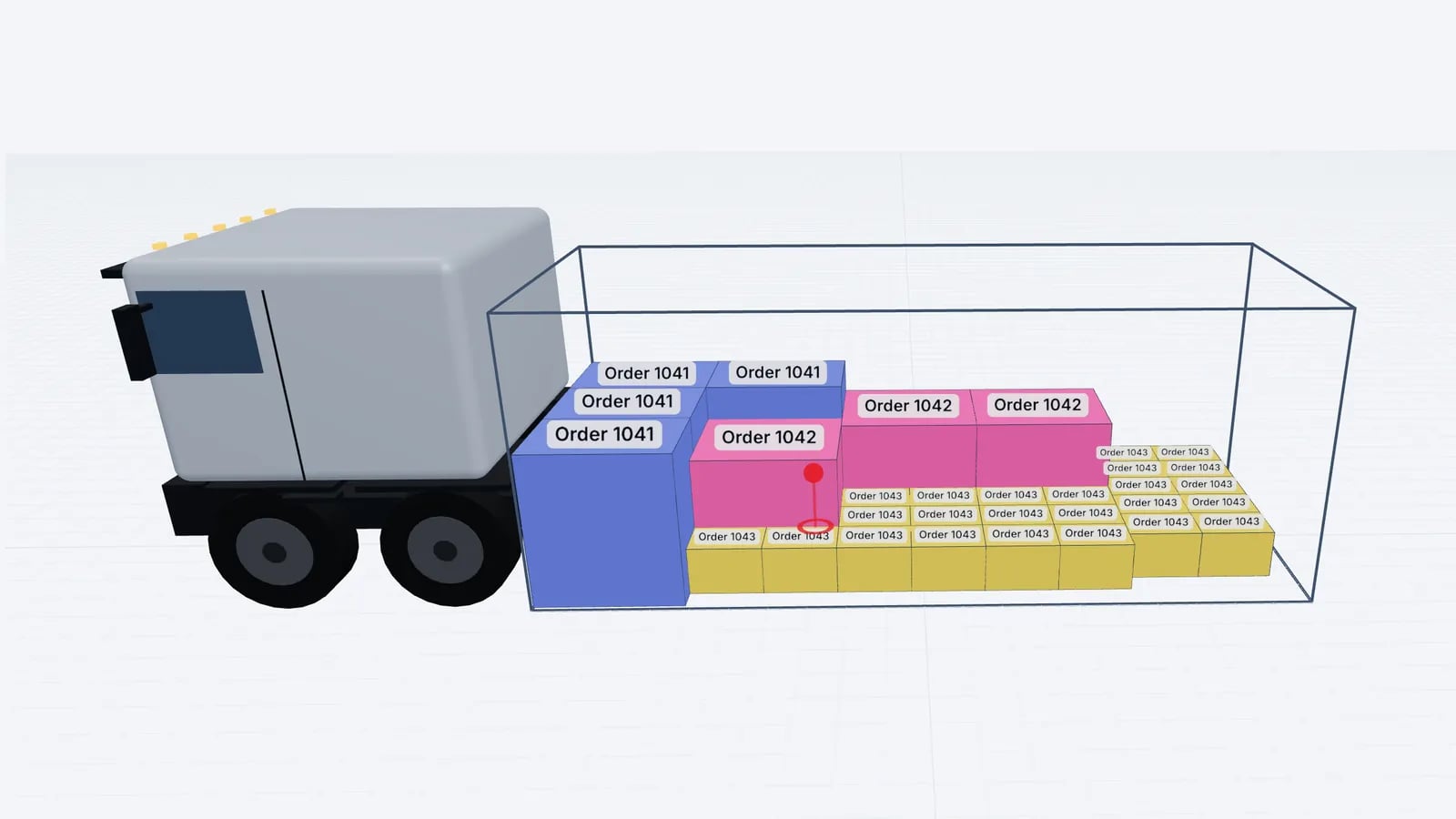
Where load planning in Excel works, where it breaks (stacking, mixed sizes, axles, sequence) and how to keep your spreadsheet as input for a 3D planner.
Read article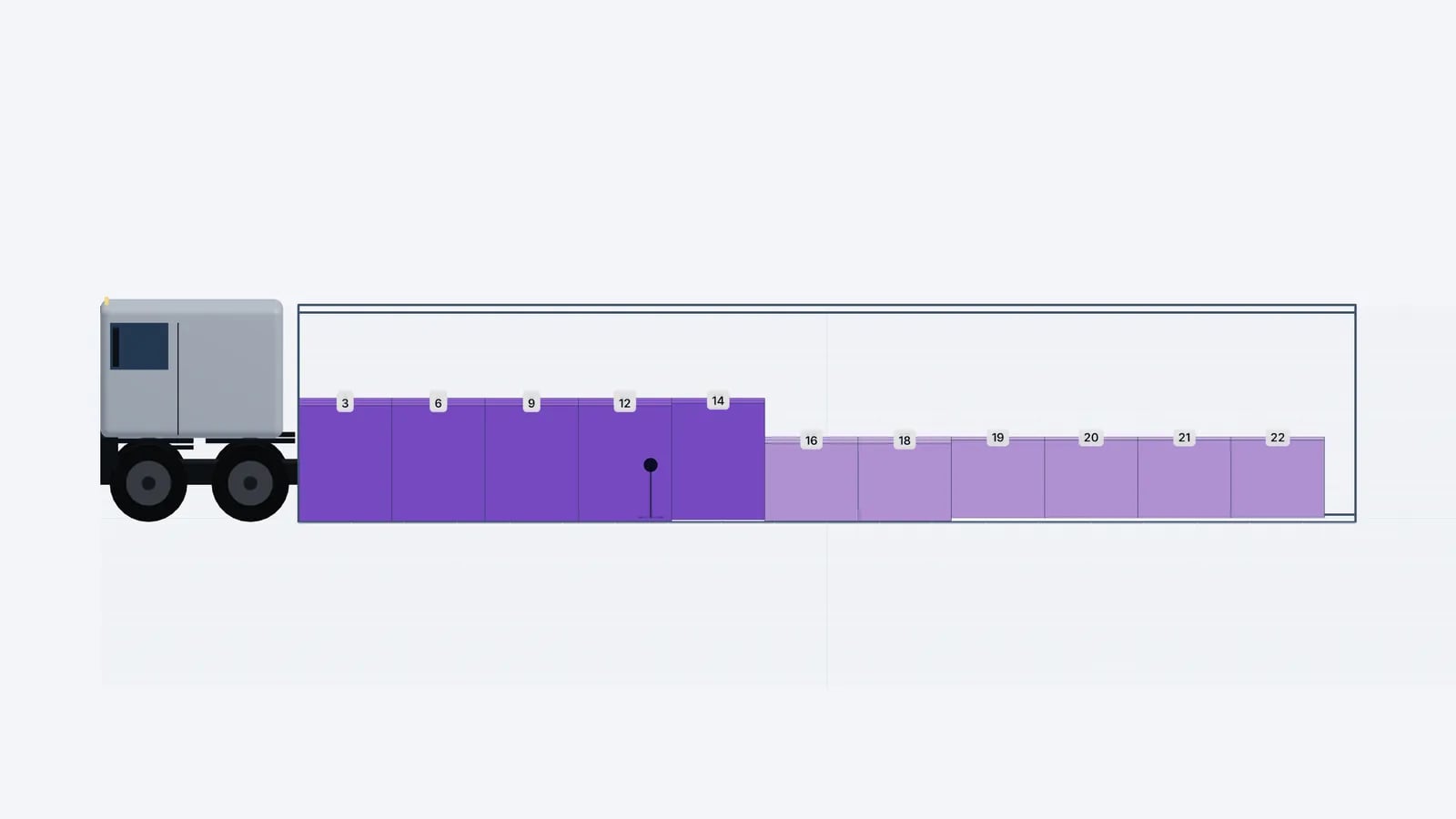
Operations & software · · 5 min read
Loading Plan for Drivers: What the Paper and the Link Need
What drivers and the warehouse need in a loading plan: manifest, loading sequence, top/side/rear drawings, stop order and weights, on paper or a phone link.
Read article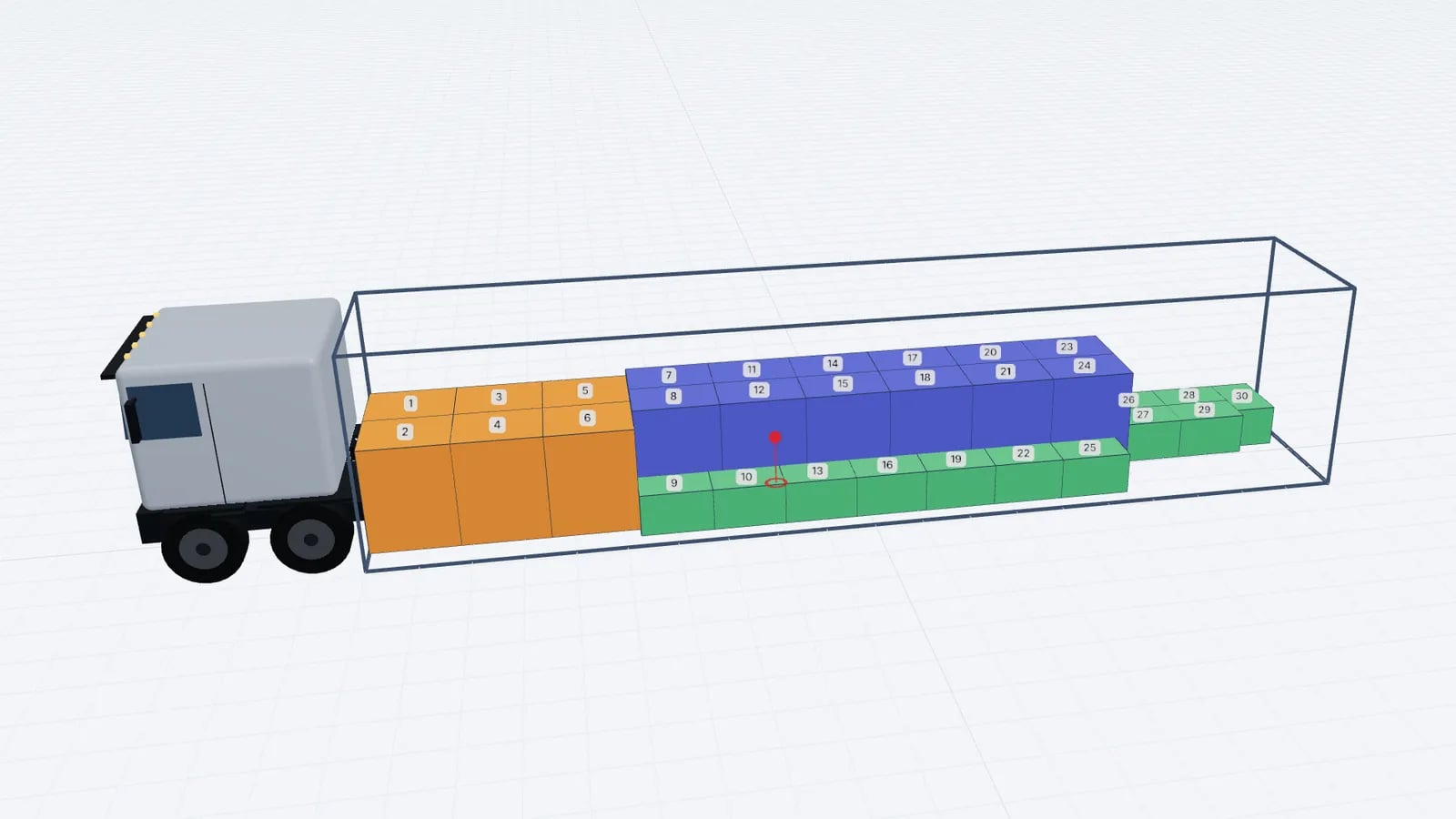
Operations & software · · 4 min read
Goodloading Alternative: What to Compare Before Switching
Looking for a Goodloading alternative? What to compare when switching load planners: trial, file import, sequence, multi-stop, axles, vehicles and cost.
Read article