Load Planner Training: Skills, Checklists and Common Mistakes
A practical load planner training plan: the skills a new planner needs, a four-week programme, checklists, common mistakes and teaching with 3D tools.
Operations & software · · 5 min read
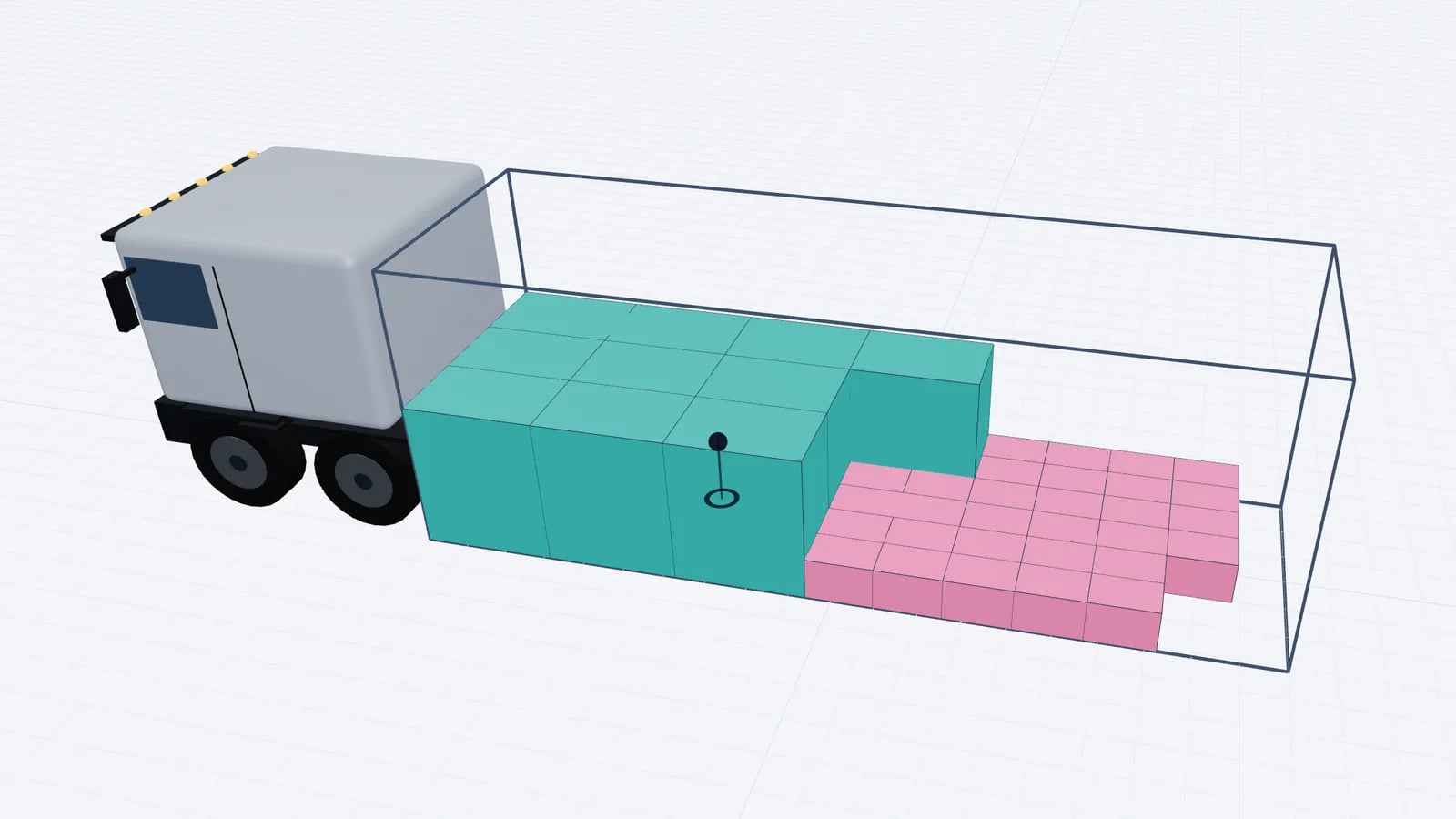
A new load planner needs to learn three things: the physical rules of a load (dimensions, weight, stacking, balance), the local rules of your business (customers, vehicles, dock habits), and a routine that catches mistakes before the truck leaves. The fastest way to teach all three is to plan real loads under supervision, check each plan against what was actually loaded, and use a 3D tool so the trainee can see why a plan works or fails.
The skills a load planner needs
Skill: Units and dimensions
- What it covers
- Inside vs outside size, mm/cm/m, weight per piece vs per line
- How to check it
- Trainee spots errors in a deliberately wrong packing list
Skill: Vehicles and containers
- What it covers
- Common inside dimensions, payloads, door sizes
- How to check it
- Chooses the right vehicle for five sample orders
Skill: Pallets and loading metres
- What it covers
- Euro, industrial, half pallets; LDM; orientations
- How to check it
- Calculates LDM for a mixed load by hand
Skill: Stacking and handling
- What it covers
- Non-stack, max weight on top, this side up, fragile
- How to check it
- Sets the right rules for each line of a real order
Skill: Weight distribution
- What it covers
- Axle loads, centre of gravity, heavy goods placement
- How to check it
- Explains why a legal gross weight can still overload an axle
Skill: Loading sequence and stops
- What it covers
- Front-to-back order, LIFO for multi-drop
- How to check it
- Writes the sequence for a two-stop load
Skill: Securing awareness
- What it covers
- Gaps, blocking, lashing basics
- How to check it
- Identifies where a plan leaves gaps that need securing
Skill: Communication
- What it covers
- Clear plans for dock and driver, handling changes
- How to check it
- Produces a plan a loader can follow without questions
| Skill | What it covers | How to check it |
|---|---|---|
| Units and dimensions | Inside vs outside size, mm/cm/m, weight per piece vs per line | Trainee spots errors in a deliberately wrong packing list |
| Vehicles and containers | Common inside dimensions, payloads, door sizes | Chooses the right vehicle for five sample orders |
| Pallets and loading metres | Euro, industrial, half pallets; LDM; orientations | Calculates LDM for a mixed load by hand |
| Stacking and handling | Non-stack, max weight on top, this side up, fragile | Sets the right rules for each line of a real order |
| Weight distribution | Axle loads, centre of gravity, heavy goods placement | Explains why a legal gross weight can still overload an axle |
| Loading sequence and stops | Front-to-back order, LIFO for multi-drop | Writes the sequence for a two-stop load |
| Securing awareness | Gaps, blocking, lashing basics | Identifies where a plan leaves gaps that need securing |
| Communication | Clear plans for dock and driver, handling changes | Produces a plan a loader can follow without questions |
Reference material for the physical rules: pallet sizes, loading metres, pallet stacking rules and weight distribution in a trailer.
A four-week training plan
- 1Week 1: on the dock. Spend shifts with loaders. Measure pallets, watch how mixed loads are actually built, see what happens when a plan is wrong. A planner who has never stood at a door will produce plans that look fine and load badly.
- 2Week 2: shadow planning. Plan the same loads as an experienced planner, in parallel. Compare the results daily and discuss every difference.
- 3Week 3: supervised planning. The trainee plans live loads; a senior planner reviews each one before release.
- 4Week 4: independent with spot checks. The trainee releases plans; the senior checks a sample and every unusual load (heavy, multi-drop, hazardous, oversized).
Tip
Keep a "hall of fame" folder of past loads that went wrong, with the original plan, what happened and the fix. Working through these is the fastest way to pass on experience.
The planner’s pre-release checklist
- Packing list complete: size and weight per piece, quantities, stops, handling notes.
- Units checked: no millimetres entered as centimetres, no line weights entered as piece weights.
- Vehicle matches what will actually arrive: type, inside dimensions, payload.
- Everything loaded, or a decision made about what was left behind.
- Stacking rules respected: nothing on non-stackable or fragile items.
- Weight under payload, axle estimate and centre of gravity without warnings.
- Stops in the right order, nothing for a later stop between an earlier stop and the doors.
- Gaps that need securing noted on the plan.
- Plan sent to the dock and driver in a form they can read.
Common mistakes, and how to catch them
Mistake: Weight per line entered as weight per piece
- Typical result
- Plan shows a load 10 or 20 times heavier (or the reverse)
- Catch it by
- Sanity check total weight against the order
Mistake: Millimetres read as centimetres
- Typical result
- Items ten times too big, nothing fits
- Catch it by
- Look at the 3D view: a pallet should look like a pallet
Mistake: Outside vehicle dimensions used
- Typical result
- Plan fits on screen, not in the trailer
- Catch it by
- Use presets or verified inside measurements
Mistake: Stacking rule missing
- Typical result
- Crushed cartons, rejected deliveries
- Catch it by
- Ask the customer or warehouse about every new item
Mistake: Heavy goods all at the front
- Typical result
- Kingpin or drive axle overload
- Catch it by
- Axle estimate; colour the plan by weight
Mistake: Stop numbers reversed
- Typical result
- Driver unloads half the truck at the first stop
- Catch it by
- Colour by stop and check the view from the doors
Mistake: Plan not updated after a change
- Typical result
- Dock loads from a superseded version
- Catch it by
- One live link, old links disabled
| Mistake | Typical result | Catch it by |
|---|---|---|
| Weight per line entered as weight per piece | Plan shows a load 10 or 20 times heavier (or the reverse) | Sanity check total weight against the order |
| Millimetres read as centimetres | Items ten times too big, nothing fits | Look at the 3D view: a pallet should look like a pallet |
| Outside vehicle dimensions used | Plan fits on screen, not in the trailer | Use presets or verified inside measurements |
| Stacking rule missing | Crushed cartons, rejected deliveries | Ask the customer or warehouse about every new item |
| Heavy goods all at the front | Kingpin or drive axle overload | Axle estimate; colour the plan by weight |
| Stop numbers reversed | Driver unloads half the truck at the first stop | Colour by stop and check the view from the doors |
| Plan not updated after a change | Dock loads from a superseded version | One live link, old links disabled |
A good exercise for week 2: hand the trainee a packing list with two planted errors and ask for a plan. Say one line reads "Carton, 600 × 400 × 400, 240 kg, 20 pcs". The sizes are in millimetres, so a carton is 60 × 40 × 40 cm, and 240 kg is the line total, so each carton weighs 240 ÷ 20 = 12 kg. Entered as centimetres and kg per piece, the line becomes 20 cartons of 6 × 4 × 4 m weighing 4,800 kg in total, twenty times the real weight. A trainee who checks the 3D view and the weight total catches both errors in seconds; one who does not ships a plan that is wrong in two ways.
Using 3D tools to teach
A 3D planner shortens training because a trainee can see the consequence of a rule immediately. Turn "can be stacked" off for a row and watch the load spill into a second truck; set stop numbers the wrong way round and see the first drop disappear behind the second; drag the heavy pallets to the front wall and watch the axle estimate turn into a warning.
- Play the sequence. Stepping through the loading order shows a trainee how a load is built and why the order matters. In EveryLoading the loading sequence can be played step by step or scrubbed with a slider.
- Compare the optimiser with their own plan. Let the trainee arrange a load by hand, then optimise and compare loading metres and items left behind.
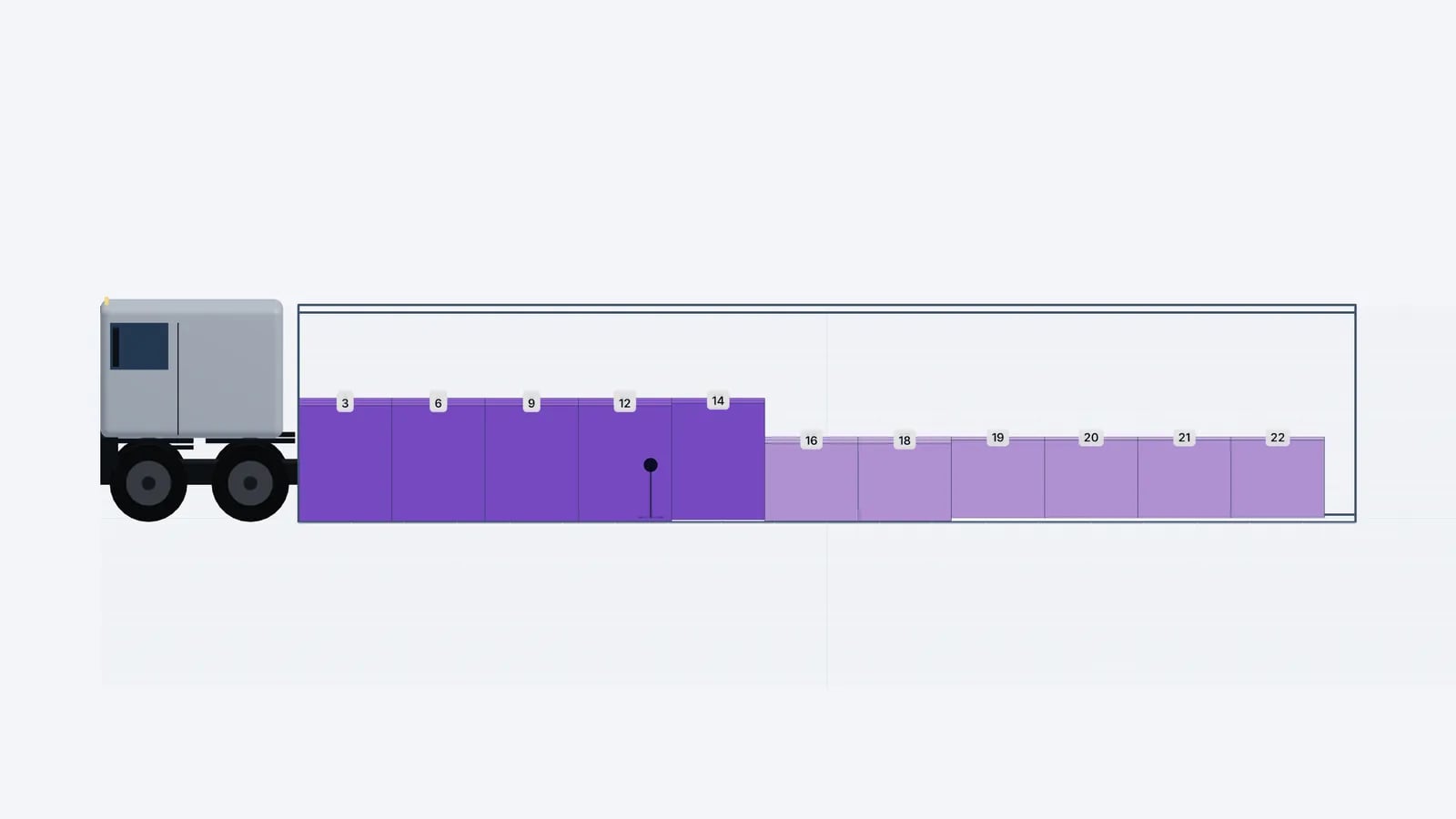
- Use flat views. The top, side and rear views match what the dock sees and are good for discussing a plan on paper.
- Save teaching loads. A set of saved plans covering your typical cases becomes a reusable training library.
Good to know
An optimiser is not a substitute for judgement. Trainees should always be able to explain why a plan is right, and should know when to override it, for example to keep a customer’s goods together or to suit how your forklift drivers actually work.
When is a planner ready?
Signs a new planner can work independently: their plans are loaded as planned without questions from the dock, they catch data errors before planning rather than after, they ask the right questions about new items, and they can explain the axle and stop logic of a plan to a driver. Keep reviewing a sample of their plans for a few months, and feed dock deviations back to them. For the complete planning process to train against, see how to make a load plan.
Frequently asked questions
How long does it take to train a load planner?
A planner can usually handle routine loads after a few weeks of supervised work. Complex loads such as heavy machinery, multi-drop routes or dangerous goods take longer and need extra review.
What is the most common load planning mistake?
Bad input data: wrong units, weight per line instead of per piece, or missing stacking rules. A plan built on wrong data looks fine on screen and fails at the dock.
Should new planners rely on the optimiser?
They should use it, but check every result and understand why it is right. The optimiser is fast; the planner is responsible for the plan.
Keep reading
Operations & software · · 5 min read
Loading Plan for Drivers: What the Paper and the Link Need
What drivers and the warehouse need in a loading plan: manifest, loading sequence, top/side/rear drawings, stop order and weights, on paper or a phone link.
Read article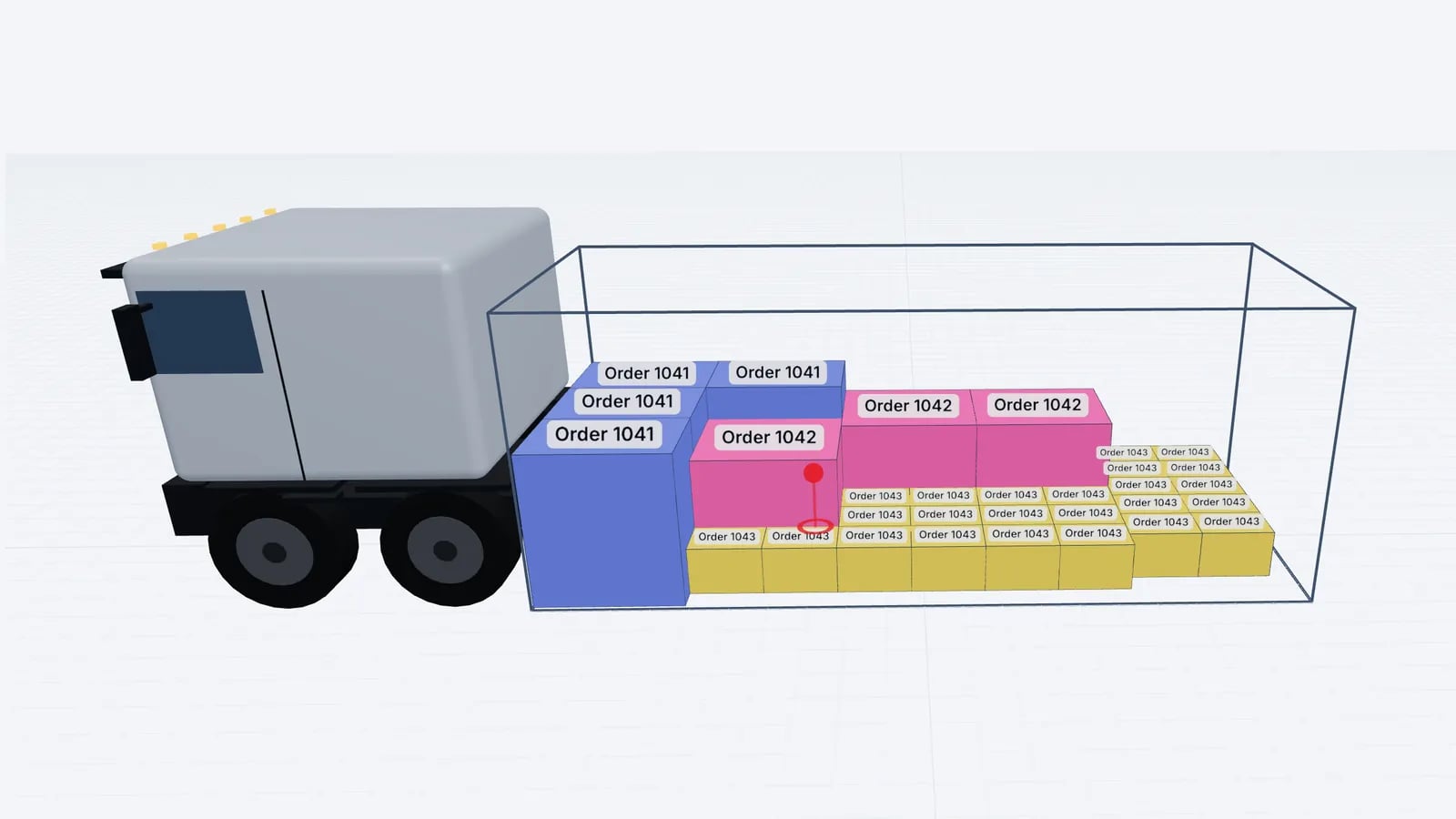
Operations & software · · 5 min read
Load Planning in Excel vs a 3D Planner: When to Switch
Where load planning in Excel works, where it breaks (stacking, mixed sizes, axles, sequence) and how to keep your spreadsheet as input for a 3D planner.
Read article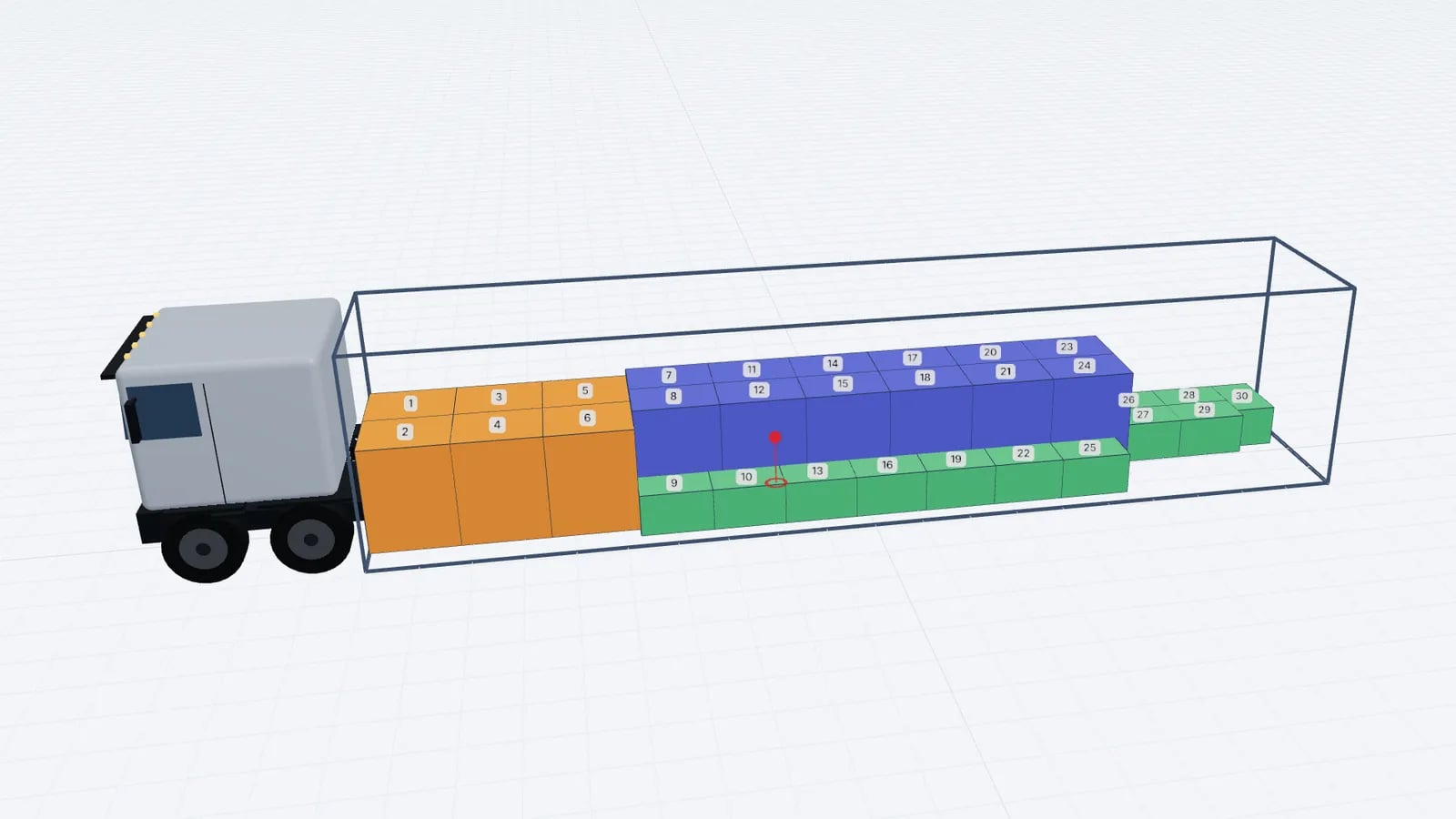
Operations & software · · 4 min read
Goodloading Alternative: What to Compare Before Switching
Looking for a Goodloading alternative? What to compare when switching load planners: trial, file import, sequence, multi-stop, axles, vehicles and cost.
Read article