Load Plan Template: The Fields Every Loading Plan Needs
A load plan template should cover the vehicle, manifest, sequence, drawings and weights. Here are the fields to include and why a 3D plan beats a spreadsheet.
Load planning basics · · 5 min read
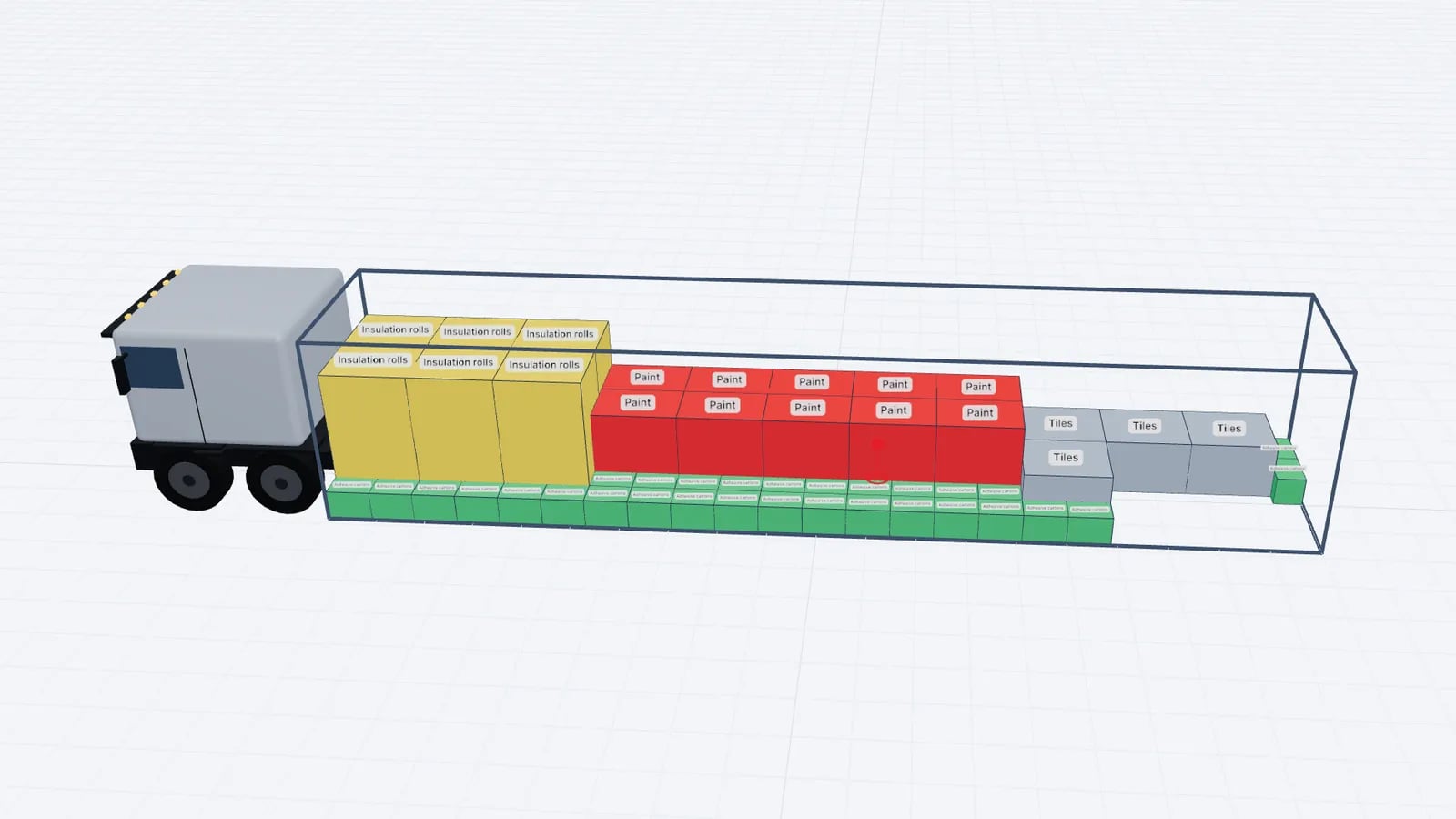
A useful load plan template has five parts: the vehicle (type, internal size, payload), the manifest (every item with dimensions, weight, quantity and stop), the loading sequence, drawings that show where each item goes, and a weight summary with payload and axle checks. Add a header with references and a sign-off line, and the same sheet works for the planner, the warehouse and the driver.
Most companies start with a spreadsheet. That works for repeat loads of identical pallets, but a template only records what was planned; it cannot tell you whether the plan is possible. Below is a field-by-field template you can copy, and the point where a 3D plan becomes the better tool.
1. Header and references
Field: Plan reference
- Example
- LP-2026-0412
- Why it matters
- Links the plan to the order, the CMR or bill of lading and the invoice
Field: Date and loading slot
- Example
- Thu 08:30, dock 4
- Why it matters
- So the warehouse stages the goods in time
Field: Shipper and consignee(s)
- Example
- Names and addresses per stop
- Why it matters
- Needed for multi-stop sequencing
Field: Carrier, vehicle and trailer registration
- Example
- AB-123-CD / trailer TR-567
- Why it matters
- Ties the plan to the actual vehicle
Field: Planner and contact
- Example
- Name, phone
- Why it matters
- Who to call if something does not fit
| Field | Example | Why it matters |
|---|---|---|
| Plan reference | LP-2026-0412 | Links the plan to the order, the CMR or bill of lading and the invoice |
| Date and loading slot | Thu 08:30, dock 4 | So the warehouse stages the goods in time |
| Shipper and consignee(s) | Names and addresses per stop | Needed for multi-stop sequencing |
| Carrier, vehicle and trailer registration | AB-123-CD / trailer TR-567 | Ties the plan to the actual vehicle |
| Planner and contact | Name, phone | Who to call if something does not fit |
2. Vehicle details
Use internal dimensions, not the brochure's external size. For a container, the internal size and the door opening both matter.
- Vehicle type: semitrailer, mega trailer, rigid truck, 20 ft / 40 ft / 40 ft HC container, ULD.
- Internal length × width × height (for example, 1360 × 245 × 270 cm for a standard curtainsider).
- Payload in kg, from the registration documents or the carrier.
- Loading side: rear, side, or both.
- Axle data if you estimate axle loads: kingpin and axle positions and the permitted loads (see weight distribution).
- Number of vehicles, if the shipment needs more than one.
3. The manifest
The manifest is the core of the template. One row per item type is enough if you add a quantity column. Keep units consistent: cm and kg are the norm in Europe.
Column: Item / description
- Example
- Euro pallet, bottled water
- Notes
- What the loader will see on the label
Column: Length × width × height
- Example
- 120 × 80 × 150 cm
- Notes
- Include pallet height and any overhang
Column: Weight per piece
- Example
- 780 kg
- Notes
- Gross weight, including pallet and packaging
Column: Quantity
- Example
- 12
- Notes
Column: Stackable / max load on top
- Example
- Yes, 400 kg
- Notes
- See stacking rules
Column: Rotation allowed
- Example
- Floor only / this side up
- Notes
- Stops the plan turning a fridge on its side
Column: Delivery stop
- Example
- 2
- Notes
- Lower number = earlier delivery
Column: Special handling
- Example
- Fragile, ADR class, temperature
- Notes
- Free text for the dock
| Column | Example | Notes |
|---|---|---|
| Item / description | Euro pallet, bottled water | What the loader will see on the label |
| Length × width × height | 120 × 80 × 150 cm | Include pallet height and any overhang |
| Weight per piece | 780 kg | Gross weight, including pallet and packaging |
| Quantity | 12 | |
| Stackable / max load on top | Yes, 400 kg | See stacking rules |
| Rotation allowed | Floor only / this side up | Stops the plan turning a fridge on its side |
| Delivery stop | 2 | Lower number = earlier delivery |
| Special handling | Fragile, ADR class, temperature | Free text for the dock |
Tip
Build the manifest in the same column order every time. Then the warehouse can export it from the WMS and paste it straight into a planner without retyping. The packing list to load plan guide covers cleaning the data.
4. Loading sequence and drawings
A list of items does not tell a loader where to put them. The plan needs at least one drawing and a sequence:
- Top view: the floor layout, with each item numbered.
- Side view: shows stacks and the height used.
- Rear view: shows what the loader sees at the doors and how the width is filled.
- Sequence: the order in which items go in, numbered to match the drawings. With multiple stops, the last stop is loaded first, deepest in the vehicle.
In a spreadsheet template this is usually a grid of cells coloured by hand, which takes time and is easy to get wrong when one item changes. Planning software draws the views from the plan itself, so they always match the manifest.
5. Weight summary and checks
Finish with the figures someone will check before the truck leaves:
Check: Total cargo weight
- Example
- 18,640 kg
- Pass if
- Under payload (24,000 kg)
Check: Payload used
- Example
- 77.7%
- Pass if
- Under 100%
Check: Volume used
- Example
- 71.3 of 90.0 m³ (79%)
- Pass if
- Information only
Check: Loading metres used
- Example
- 12.4 of 13.6 LDM
- Pass if
- Under the length
Check: Estimated axle loads
- Example
- Kingpin / trailer axles
- Pass if
- Within limits, with margin
Check: Centre of gravity
- Example
- Lateral offset 3 cm
- Pass if
- Close to the centre line
Check: Items not loaded
- Example
- 0
- Pass if
- Zero, or a plan for the leftovers
| Check | Example | Pass if |
|---|---|---|
| Total cargo weight | 18,640 kg | Under payload (24,000 kg) |
| Payload used | 77.7% | Under 100% |
| Volume used | 71.3 of 90.0 m³ (79%) | Information only |
| Loading metres used | 12.4 of 13.6 LDM | Under the length |
| Estimated axle loads | Kingpin / trailer axles | Within limits, with margin |
| Centre of gravity | Lateral offset 3 cm | Close to the centre line |
| Items not loaded | 0 | Zero, or a plan for the leftovers |
In the example, 18,640 ÷ 24,000 = 77.7% of payload. Volume: a 13.6 × 2.45 × 2.7 m trailer is 89.96 m³, about 90 m³, and 71.3 ÷ 90 = 79%. Axle loads and centre of gravity are estimates for the cargo; weigh the vehicle if you are close to a limit. The centre of gravity guide explains how to calculate it.
Close with a sign-off block: loaded by, checked by, seal number (for containers), time of departure and a note of any deviation from the plan.
Why a 3D plan beats a spreadsheet template
A spreadsheet is a good input format and a poor planning tool. It records numbers; it does not check that a 150 cm pallet fits on top of a 130 cm pallet in a 270 cm trailer, that the heavy pallets are not all at the rear, or that stop 1's goods are reachable at the doors.
Fits check
- Spreadsheet template
- By the planner's arithmetic
- 3D load plan
- Every item checked against walls, other items and height
Changes
- Spreadsheet template
- Redraw by hand
- 3D load plan
- Re-optimise in seconds
Drawings
- Spreadsheet template
- Coloured cells
- 3D load plan
- Top, side, rear and 3D views from the same data
Sequence
- Spreadsheet template
- A numbered column
- 3D load plan
- Step-by-step playback
Weight
- Spreadsheet template
- Sum of a column
- 3D load plan
- Payload, axle and centre-of-gravity estimates
Sharing
- Spreadsheet template
- Email the file
- 3D load plan
- PDF or a read-only link
| Spreadsheet template | 3D load plan | |
|---|---|---|
| Fits check | By the planner's arithmetic | Every item checked against walls, other items and height |
| Changes | Redraw by hand | Re-optimise in seconds |
| Drawings | Coloured cells | Top, side, rear and 3D views from the same data |
| Sequence | A numbered column | Step-by-step playback |
| Weight | Sum of a column | Payload, axle and centre-of-gravity estimates |
| Sharing | Email the file | PDF or a read-only link |
The practical approach is to keep the spreadsheet as the manifest and let a planner produce the plan. In EveryLoading you paste the rows from Excel, optimise, and export a PDF load plan with the drawings, sequence and weights for the driver. For what drivers need on paper, see loading plans for drivers.
Frequently asked questions
What should a load plan include?
The vehicle and its internal size and payload, a manifest of every item, the loading sequence, drawings of where items go, and a weight summary with payload and axle checks.
Is there a free load plan template in Excel?
You can build one from the fields in this article in a few minutes. The limitation is not the template but that a spreadsheet cannot check whether the plan physically fits.
Who signs the load plan?
Usually the person who loaded the vehicle and the person who checked it, often the driver. Company rules and contracts decide who is responsible.
Should the load plan use internal or external dimensions?
Always internal dimensions of the load space, plus the door opening for containers. External dimensions are only relevant for route and height clearance.
Keep reading
Load planning basics · · 5 min read
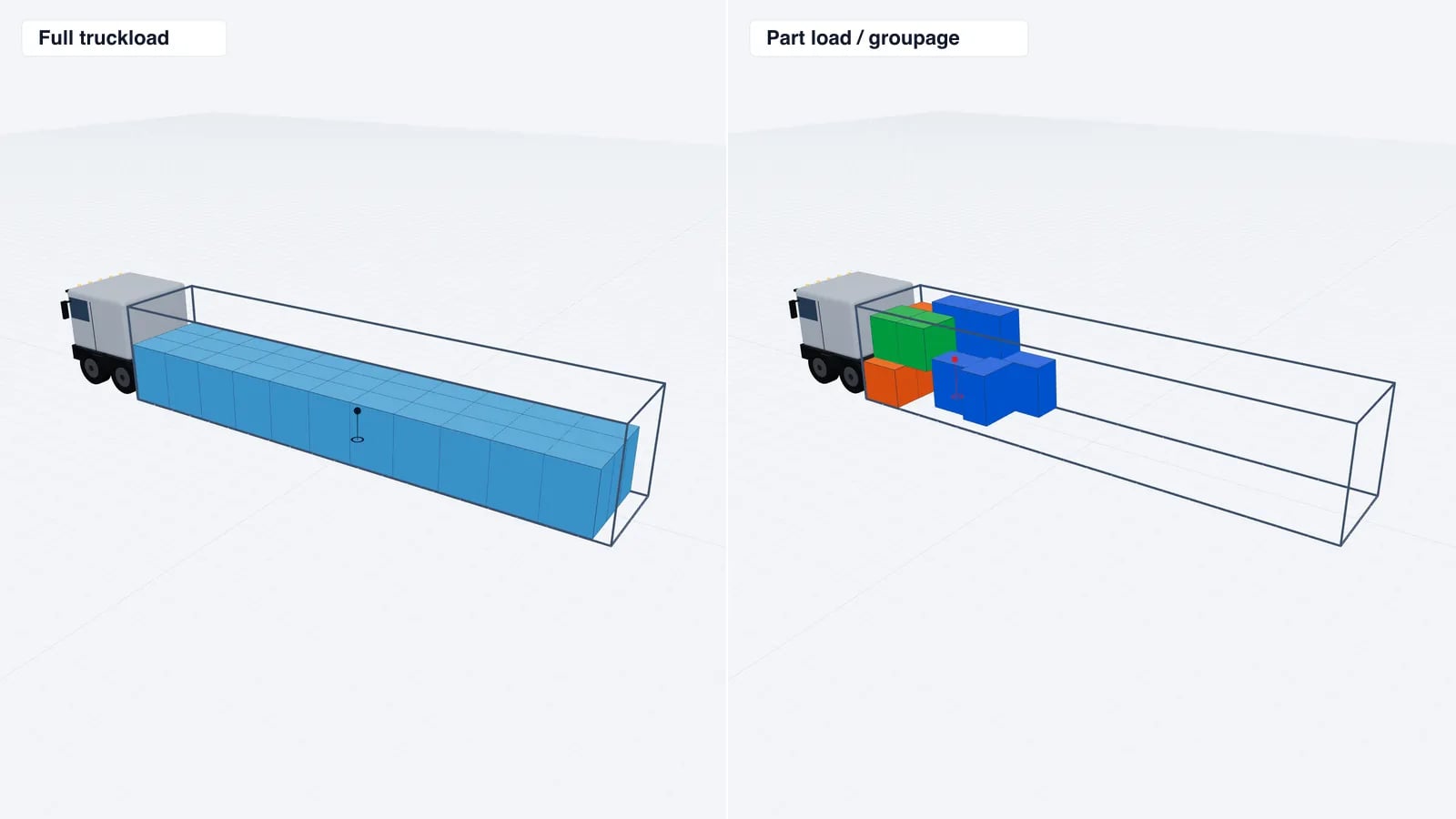
FTL vs LTL: Full Truckload, Part Load or Groupage?
FTL books a whole truck; LTL and groupage share it with other shippers. Compare cost, speed and handling, see how LDM drives LTL price and find your break-even.
Read article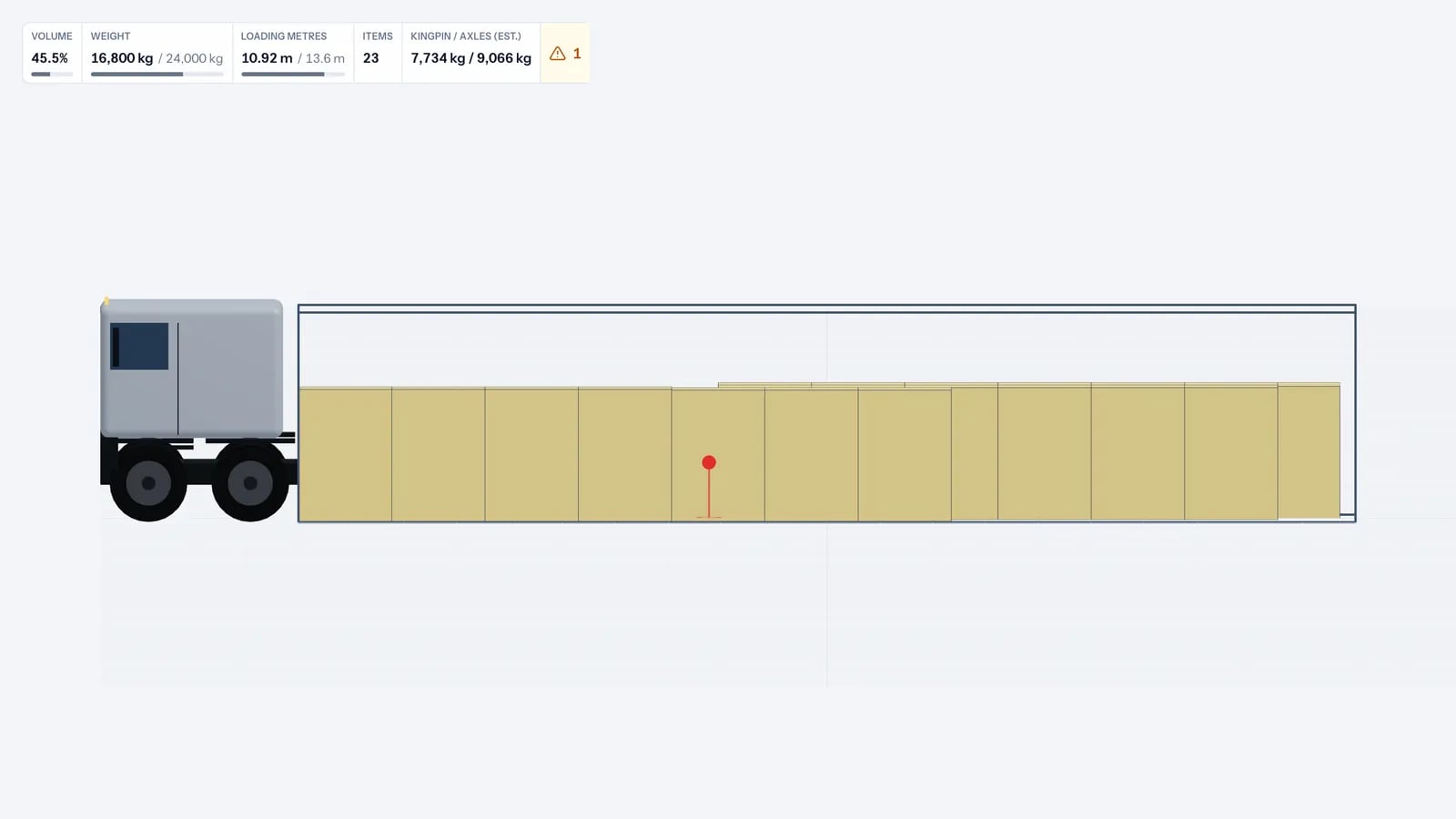
Load planning basics · · 6 min read
Weight Distribution in a Trailer: Axle Loads Made Simple
Where you put heavy cargo decides the load on each axle. Learn how trailer weight distribution works, how to estimate axle loads and how to avoid overloading.
Read article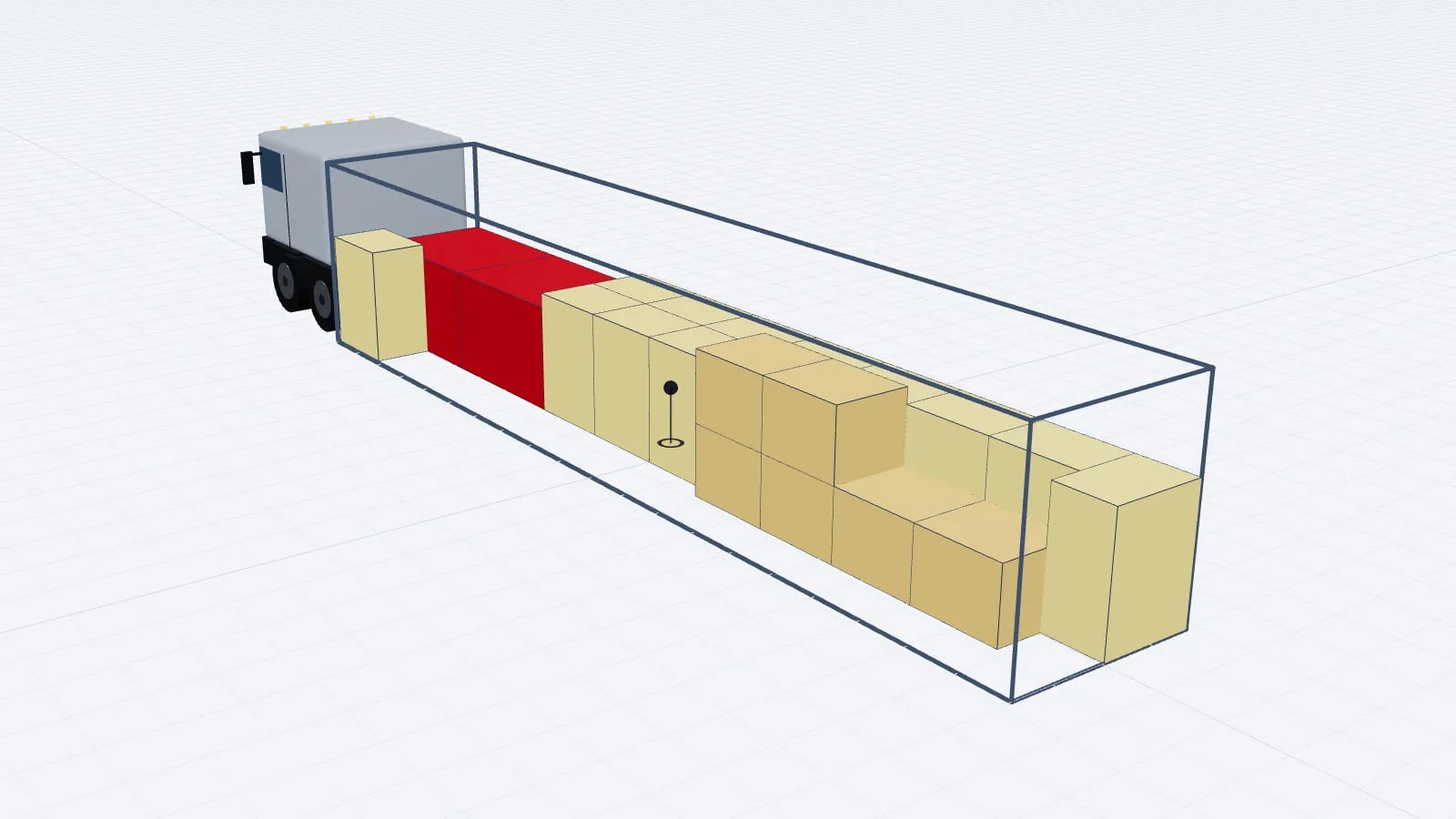
Load planning basics · · 5 min read
Load Centre of Gravity: How to Calculate It for a Truck Load
The centre of gravity of a load is the weighted average of every item's position. Learn the formula, a worked truck example and checks for lateral offset.
Read article