Load Planning in the Warehouse: Waves, Staging and Cut-Offs
How load planning in the warehouse ties into cut-offs, picking waves, staging lanes and dock schedules, with a worked timeline from cut-off to departure.
Operations & software · · 8 min read
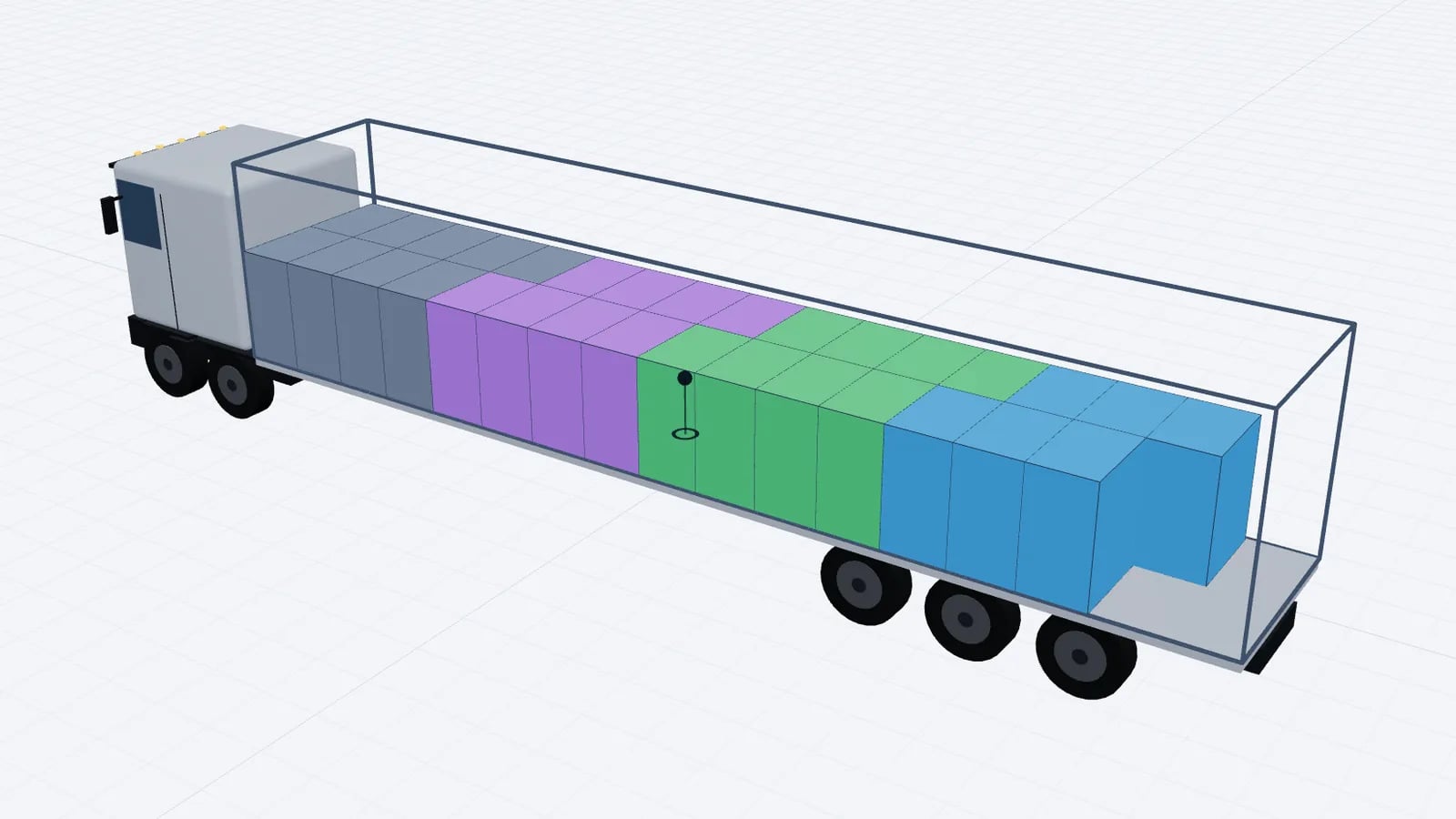
Load planning in the warehouse is the step that turns released orders into trucks, and it has to happen before picking, not at the dock door. The load plan decides which orders go on which vehicle, in what order they are picked, how much staging floor they need, which door and time slot they get, and what a late order can still join. Get the timing right and the rest of the outbound flow follows it.
This article looks at the outbound timeline from order cut-off to departure and shows where the load plan feeds each step. For the dock itself (door checklists, lane discipline, measuring dock time) see loading dock efficiency.
Work backwards from the departure time
Every outbound schedule starts with the one fixed point: when the truck leaves. Everything else is subtracted from it. Here is a typical evening departure for a full 13.6 m trailer with 33 pallets, loaded by one forklift.
Time: 12:00
- Step
- Order cut-off
- What the load plan provides
- Remaining capacity per truck, so sales knows what can still be promised
Time: 12:00–13:00
- Step
- Load planning
- What the load plan provides
- Order-to-truck allocation, pallet layout, stop order, weight check
Time: 13:00
- Step
- Plan frozen, picks released
- What the load plan provides
- Pick sequence in reverse loading order
Time: 13:00–16:30
- Step
- Picking waves
- What the load plan provides
- Which pallets each wave must produce, and for which lane
Time: 16:45
- Step
- Staging complete
- What the load plan provides
- Lane layout that mirrors the trailer rows
Time: 17:00–17:45
- Step
- Loading
- What the load plan provides
- Loading sequence, row by row
Time: 17:45–18:00
- Step
- Paperwork and seal
- What the load plan provides
- Loading list, weights, the plan sheet for the driver
Time: 18:00
- Step
- Departure
- What the load plan provides
| Time | Step | What the load plan provides |
|---|---|---|
| 12:00 | Order cut-off | Remaining capacity per truck, so sales knows what can still be promised |
| 12:00–13:00 | Load planning | Order-to-truck allocation, pallet layout, stop order, weight check |
| 13:00 | Plan frozen, picks released | Pick sequence in reverse loading order |
| 13:00–16:30 | Picking waves | Which pallets each wave must produce, and for which lane |
| 16:45 | Staging complete | Lane layout that mirrors the trailer rows |
| 17:00–17:45 | Loading | Loading sequence, row by row |
| 17:45–18:00 | Paperwork and seal | Loading list, weights, the plan sheet for the driver |
| 18:00 | Departure |
The loading slot follows from the plan. At about 80 seconds per pallet move, door to position and back, 33 pallets take 44 minutes. A load with 10 double-stacked positions or a lot of hand-stacked cartons takes longer, and a plan that knows the piece count can say so. Our guide to truck loading time breaks the minutes down.
Good to know
The times above are an example. Your own cut-off depends on pick rates, distance to the dock and the carrier's collection window. The point is the order of the steps, and that load planning sits between cut-off and pick release.
What the order cut-off protects
A cut-off is not only a deadline for customer service. It is the moment the load plan needs stable input. Every order accepted after it either fits into capacity the plan already reserved, or forces a re-plan, re-pick or second vehicle.
Two practices make cut-offs work:
- Publish remaining capacity, not just a time. If the plan shows that truck 2 has 1.6 loading metres and 2,800 kg left, customer service can accept a four-pallet order at 12:40 without asking the warehouse. Without that number, every late order is a negotiation.
- Reserve space on purpose. If late orders arrive most days, leave one or two rows open on the last truck of a route, and release them to the spot market if nothing comes by the second cut-off.
Pick in reverse loading order
The load plan has a loading sequence: front wall first, doors last. Picking should follow the same order, so the first pallets finished are the first ones loaded. In practice that means:
- 1Group picks by truck, not by zone alone. A wave that picks for four trucks at once fills four lanes slowly. A wave per truck, or per pair of trucks, completes lanes in time to load.
- 2Start with the front-wall rows. For a multi-drop route those are the last stop's goods; for a single drop, usually the heaviest floor-only pallets that the plan placed forward.
- 3Release door-side goods last. The first delivery and any light, fragile or top-layer items come in the final wave. If a pick runs late, it is then a door-end problem, which is the easiest to absorb.
- 4Pick stackable pairs together. If the plan double-stacks two pallets, pick them in the same wave so the top pallet is not waiting for its base.
This is also where data quality pays. If the plan placed a pallet as non-stackable and the picker builds it 40 cm taller than the master data says, the lane is right and the trailer is wrong. Pick confirmations with actual heights and weights let the planner catch it before loading.
Size the staging lanes from the plan
A staging lane is a copy of the trailer floor drawn on the warehouse floor. If the plan loads Euro pallets three across in rows, the lane holds them three across in rows, in loading order, so the forklift driver takes the next row from the front of the lane.
To size lanes, use the plan's footprint rather than a pallet count. A full trailer of 33 Euro pallets covers 33 × 1.2 × 0.8 = 31.7 m² of pallet footprint. Add about 30% for gaps and forklift access and the lane needs roughly 41 m², for example 13 m deep and 3.2 m wide. Double-stacked positions staged as pairs halve that, and so do pallets loaded crosswise in two lanes. A trailer of industrial pallets, 26 × 1.2 × 1.0 = 31.2 m², needs almost the same area.
- Count lanes per peak hour, not per day. If four trucks load between 17:00 and 18:00, four lanes must be full at 16:45, whatever the daily total.
- Stage by row, not by order. One order spread across three rows is staged in three places. The plan tells the picker which row each pallet belongs to.
- Keep a lane for what did not fit. The plan's list of items left out goes to transport before staging, and those pallets go to a marked spot, not into a lane.
Book doors and slots by vehicle and load
The dock schedule needs three facts per truck that the load plan already holds: the vehicle type, the loading side and the expected loading time. A curtain-sider loaded from the side can use a yard position instead of a dock door. A rear-loaded box trailer needs a door with a leveller. A load with 33 pallets needs 45 minutes; one with 66 pallets double-stacked or 900 loose cartons needs much more.
Doors close to their staging lanes save forklift travel. If doors 1 to 4 sit in front of lanes A to D, assign truck, door and lane together when the plan is frozen, and print all three on the pick and loading documents. The carrier gets the slot time from the same plan.
A worked day: two trucks, three doors
A regional DC ships to retail stores. At 12:00 the planner has 54 pallets on two routes:
- Route North: 4 stores, 31 Euro pallets, 9,300 kg, collection at 17:00, semi-trailer at door 1, lane A.
- Route South: 3 stores, 23 Euro pallets, 6,900 kg, collection at 18:00, rigid truck with 18 pallet places and a trailer, doors 2 and 3, lanes B and C.
The plan shows North fits with 2 places spare, and South needs 18 places on the truck and 5 on the trailer, leaving 13 trailer places. Picking for North starts at 13:00 with store 4, the last stop, and ends with store 1 at 15:30. South starts at 14:30 with its trailer, which loads first. At 13:20 a store on the North route adds three pallets. The planner sees only two spare places, moves the third pallet to South's trailer, which passes the same town, and re-issues both plans. No pallet has been picked yet, so the change costs ten minutes at a desk instead of an hour at a door.
Tip
Retail and wholesale distribution are where this timeline matters most. The retail distribution use case shows how stop numbers and the loading sequence work for store deliveries.
Where software fits in the warehouse flow
Most warehouse management systems know orders and pallets but not the shape of a truck. A load planner fills that gap. It takes the order lines (size, weight, quantity, stackability, stop), builds the plan, and hands back a sequence the WMS can turn into pick tasks and lane assignments.
With EveryLoading, the order lines come in by pasting from Excel, CSV or XLSX import, or the developer REST API (import and API on Pro; see integrations). A stop number per row loads later stops deeper, the loading sequence plays row by row, and the plan reaches the dock and driver as a PDF or share link. A PDF load plan for drivers explains what that sheet should contain.
KPIs that show whether the plan leads
KPI: Plans frozen before pick release
- What it shows
- Planning happens before picking
- Typical target
- Every truck
KPI: Lanes complete at staging time
- What it shows
- Pick waves match the plan
- Typical target
- Above 95%
KPI: Pallets re-handled at the dock
- What it shows
- Staging order matches loading order
- Typical target
- Near zero
KPI: Items left out after staging
- What it shows
- Fit was checked early
- Typical target
- Zero
KPI: On-time departures
- What it shows
- The whole timeline works
- Typical target
- Set with your carriers
| KPI | What it shows | Typical target |
|---|---|---|
| Plans frozen before pick release | Planning happens before picking | Every truck |
| Lanes complete at staging time | Pick waves match the plan | Above 95% |
| Pallets re-handled at the dock | Staging order matches loading order | Near zero |
| Items left out after staging | Fit was checked early | Zero |
| On-time departures | The whole timeline works | Set with your carriers |
When one of these slips, trace it back along the timeline. Most outbound problems start one step earlier than where they show up. The person who keeps this timeline together is often the load planner; what a load planner does describes the role in full.
Frequently asked questions
When should load planning happen in a warehouse?
After the order cut-off and before picks are released. Planning at that point lets the pick sequence, staging lanes and dock slot all follow the plan.
What is a staging lane?
A marked area of floor in front of a dock door where picked goods wait in loading order. A good lane mirrors the rows of the trailer it serves.
Why pick in reverse loading order?
So the pallets loaded first, against the front wall, are ready first. Late picks then affect only the door end of the load, which is easiest to rearrange.
How do you handle orders after the cut-off?
Check them against the capacity the plan has left on each truck. If they fit, add them before picking; if not, move them to another route or the next day rather than squeezing them in at the dock.
Keep reading
Operations & software · · 5 min read
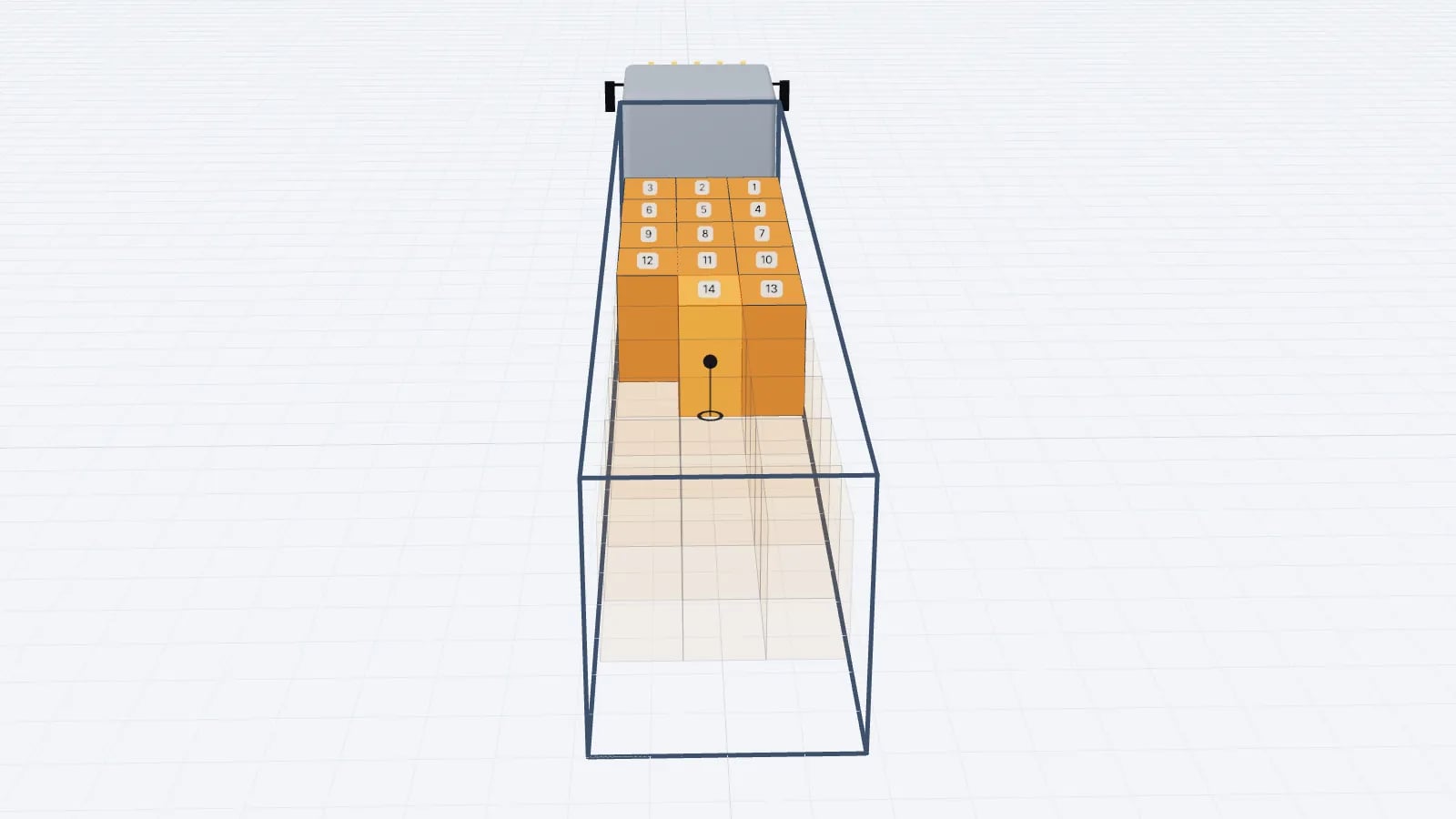
Loading Dock Efficiency: Plan, Stage and Load Faster
Improve loading dock efficiency with loads planned in advance, staging lanes in loading order, appointment slots sized by load and short door checklists.
Read article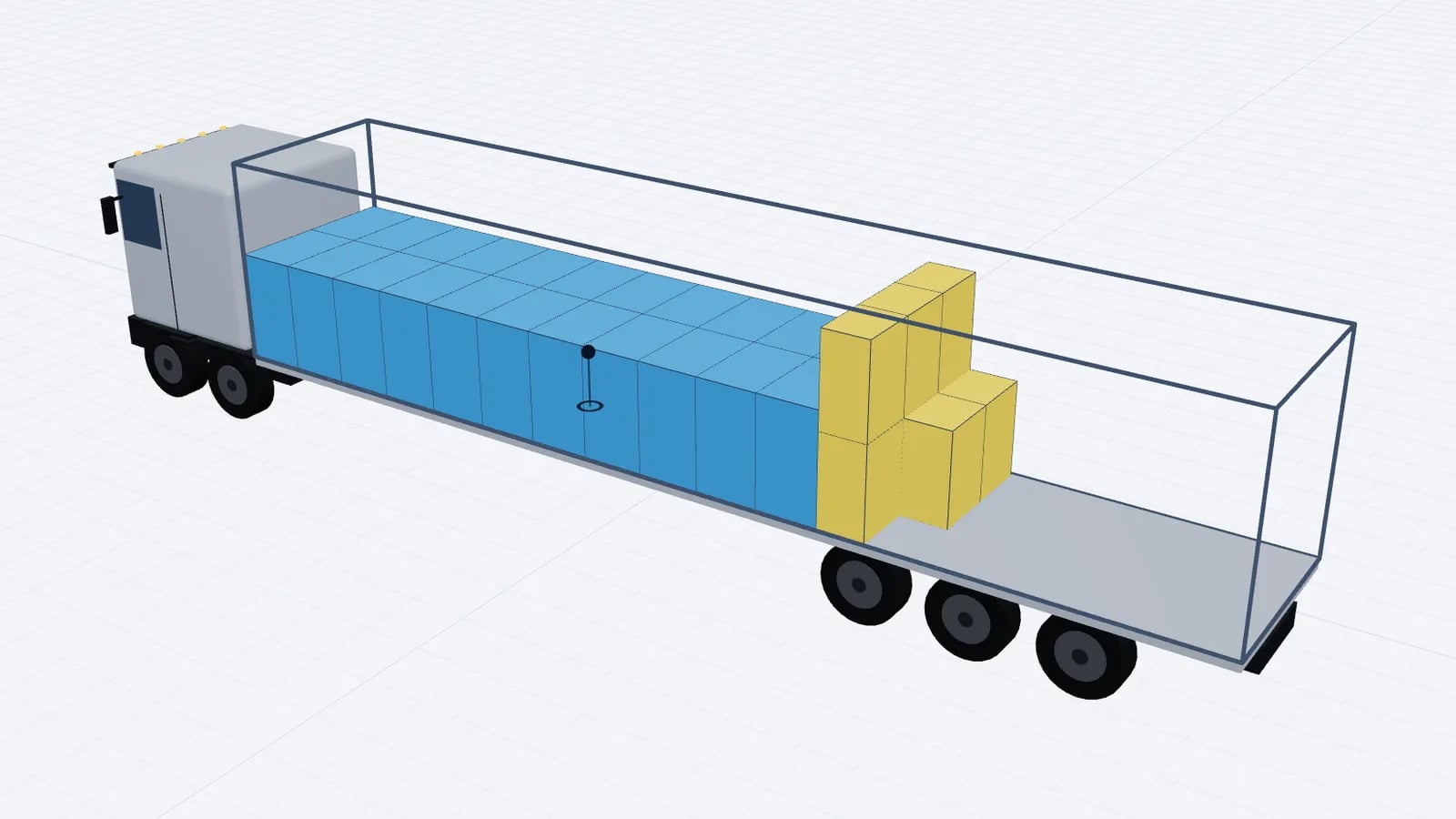
Operations & software · · 7 min read
Load Planning Software Integration with ERP, WMS and TMS
Load planning software integration explained: what data flows between ERP, WMS or TMS and the planner, file import vs REST API, and a step-by-step approach.
Read article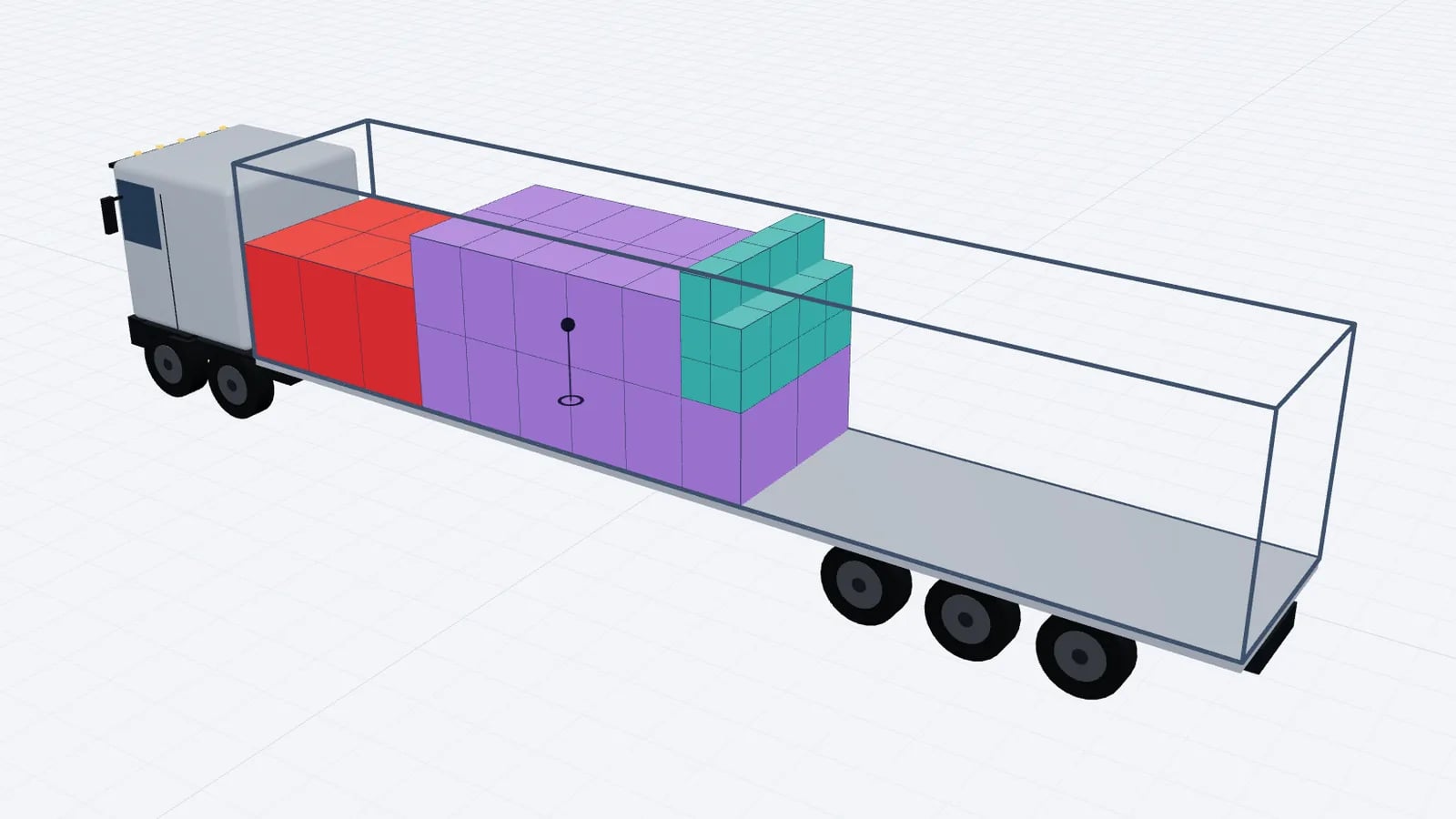
Operations & software · · 7 min read
Load Planning Software Implementation: A 30-Day Plan
A 30-day load planning software implementation plan: vehicle and cargo master data, pilot loads, training for planners and the dock, and how to measure results.
Read article