Cargo Loading Software for Manufacturers: Outbound Loads
How manufacturers use cargo loading software for outbound shipping: standard SKUs, export containers, crates, repeat loads and saved plans used as templates.
Industry guides · · 6 min read
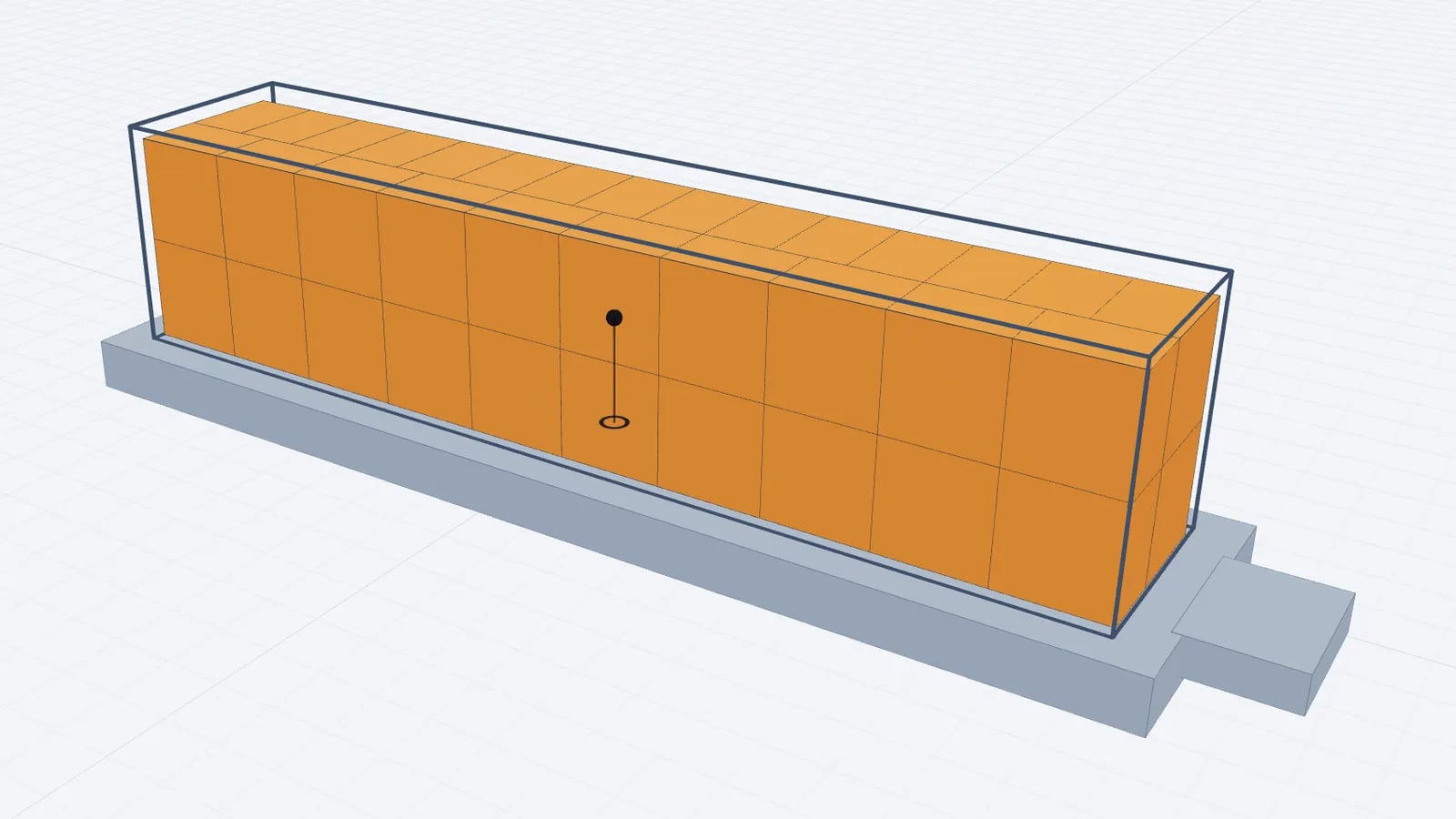
For a manufacturer, cargo loading software does most of its work before the goods reach the dock: it fixes how many units of each product go in a truck or export container, which pallet height and packaging make that possible, and gives the shipping team a plan they can repeat. Because the same products ship again and again, one good plan saved per standard load pays back on every shipment after it.
That is the big difference from a forwarder, who sees a new mix of cargo every booking (see cargo loading software for freight forwarders). A manufacturer controls the cargo: its dimensions, its packaging, its pallet pattern. Load planning is a lever on the product side as well as the transport side.
Start from your standard SKUs
Most plants ship a limited range of handling units: a few pallet types per product family, some cartons, a few crated items. Measure them once, properly, and keep that list as the master for every plan.
Handling unit: Euro pallet, product A
- Size (cm)
- 120 × 80 × 125
- Weight (kg)
- 480
- Rules
- Stackable 2 high, this side up
Handling unit: Industrial pallet, product B
- Size (cm)
- 120 × 100 × 140
- Weight (kg)
- 750
- Rules
- Max 400 kg on top
Handling unit: Export crate, machine C
- Size (cm)
- 240 × 110 × 160
- Weight (kg)
- 1,350
- Rules
- Not stackable, floor only
Handling unit: Spare parts carton
- Size (cm)
- 60 × 40 × 40
- Weight (kg)
- 18
- Rules
- Any orientation
| Handling unit | Size (cm) | Weight (kg) | Rules |
|---|---|---|---|
| Euro pallet, product A | 120 × 80 × 125 | 480 | Stackable 2 high, this side up |
| Industrial pallet, product B | 120 × 100 × 140 | 750 | Max 400 kg on top |
| Export crate, machine C | 240 × 110 × 160 | 1,350 | Not stackable, floor only |
| Spare parts carton | 60 × 40 × 40 | 18 | Any orientation |
Measure loaded, wrapped units on the dock, not the drawing: stretch film, corner boards and overhang add 1 to 4 cm, and that is often what decides whether three pallets go side by side. Record gross weight including pallet and packaging. The manufacturing use case shows how such a list becomes a plan.
Export containers: let the plan drive packaging
Here is where a manufacturer gains most. Take product A above, shipped by sea in 40 ft containers. The floor of a 40 ft takes 25 Euro pallets when lengthwise and crosswise rows are mixed. The question is height.
- 40 ft standard, inside height about 239 cm: two pallets of 125 cm need 250 cm, so they cannot be double-stacked. 25 pallets per container.
- 40 ft high cube, about 269 cm: 250 cm fits. 50 pallets, 24,000 kg, inside the typical 26,460 kg payload.
- 40 ft standard with the pallet built to 115 cm: two layers need 230 cm, which fits 239 cm. 50 pallets in a standard container, if the product allows a lower pallet.
Going from 25 to 50 pallets per box halves the number of containers. Even if only a high cube is available, knowing that 125 cm is the most you can build without losing the second layer is useful for the packaging engineer. A load planner makes this kind of what-if quick: change the height in one row and optimise again. For pallet counts across all common containers, see how many pallets fit in a container.
Tip
Work backwards from the space. Divide the inside height by the number of layers you want, subtract a few centimetres for clearance and for loading with a forklift, and give that figure to whoever specifies the pallet build.
Crates, machines and floor-only items
Crated machines and heavy items need rules more than clever arrangement. Mark them floor only, not stackable or with a maximum weight on top, and the optimiser will keep them on the floor and plan everything else around them. In EveryLoading these are per-row settings: not stackable, floor only, maximum loads or weight on top, and which items a row may stand on. A heavy crate at one end of a trailer is also an axle question; Pro shows an axle-load and centre-of-gravity estimate with warnings above your limits.
Crate size is often set by the product, but the outer dimensions are yours to choose. Two crates 110 cm wide stand side by side in a 235 cm wide container (220 cm), with their 240 cm length along the box. Make the crate 120 cm wide and two need 240 cm: only one fits across, and the same container takes half as many crates. Our guide to crate design for shipping covers dimensions, skids and fork entries.
Repeat loads: save plans as templates
Many manufacturers ship the same full loads every week: a full trailer of product A to the distribution centre, a mixed container of A and B to an overseas subsidiary. Plan each standard load once, check it with the shipping team, save it, and reuse it.
- 1Build the standard load from your master list and optimise it.
- 2Check it with the loaders and adjust by hand if needed (drag, stack, rotate).
- 3Save it under a clear name, for example "40HC – product A – 50 pallets".
- 4For a new order, open the saved plan and use Save as or duplicate it, so the original stays as the template.
- 5Change the quantities to the actual order and optimise again. The rules and vehicle are already set.
- 6Share or print the result for the dock.
This turns load planning for routine shipments into a two-minute job and makes loads consistent between shifts. When an order deviates from the template, the planner shows immediately whether the extra pallets still fit or need a second vehicle.
Cartons and building pallets
Spare parts and small products often leave as cartons that someone has to put on pallets first. Pallet building is a load planning problem on a small scale: the pallet top is the floor, the maximum height is the ceiling. In EveryLoading, Pro can build pallets from cartons and turn each kind of finished pallet into one cargo row for the truck or container. The palletizing use case shows the steps.
Weight, VGM and road legs
Dense products hit payload before volume. Steel parts, tiles, liquids in IBCs: a container can be weight-full with half its floor empty. Plan by weight first, spread heavy items along the length, and remember the road leg to and from the port. In the EU the gross weight limit for a five-axle articulated vehicle is generally 40 t, or 44 t in intermodal transport; elsewhere the limits differ, so check the rules for your country and route. A loaded 40 ft at its full payload can exceed what the road leg allows.
For sea export the shipper, usually the manufacturer, must declare the verified gross mass under SOLAS before the container is loaded onto the ship. The plan gives you the cargo weight from your master data; the VGM itself comes from weighing or the approved calculation method. See VGM under SOLAS.
Fitting the plan into production and the dock
A load plan helps most when it is ready before picking starts. Then the warehouse stages pallets in loading order and the truck is loaded in one pass. Our guide to outbound staging and load planning explains how to lay out lanes from the plan. If orders live in an ERP, the next step is to send them to the planner automatically; load planning software integration explains what that involves with EveryLoading’s REST API.
To try it, enter your three most common handling units and plan your most frequent load. You can start with a free account for loads up to 20 pieces in trucks and standard containers, and use the Pro trial for larger loads, pallet building and multi-truck orders.
Frequently asked questions
How does cargo loading software help a manufacturer?
It shows how many units of each product fit per truck or container, helps choose pallet heights and crate sizes that use the space, and lets the shipping team reuse checked plans for repeat orders.
Should I use a 40 ft standard or a high cube container?
It depends on whether a high cube lets you add a layer. If two layers fit the standard container’s height, it carries the same; if they only fit the high cube’s extra 30 cm, the high cube can double the load.
Can I reuse a load plan for the same shipment every week?
Yes. Save the checked plan, then duplicate it for each new order and change the quantities. The vehicle, rules and arrangement come with it.
Who is responsible for the VGM of an export container?
The shipper named on the bill of lading, often the manufacturer. The planned cargo weight is a good check, but the declared VGM must come from weighing or the approved method.
Keep reading
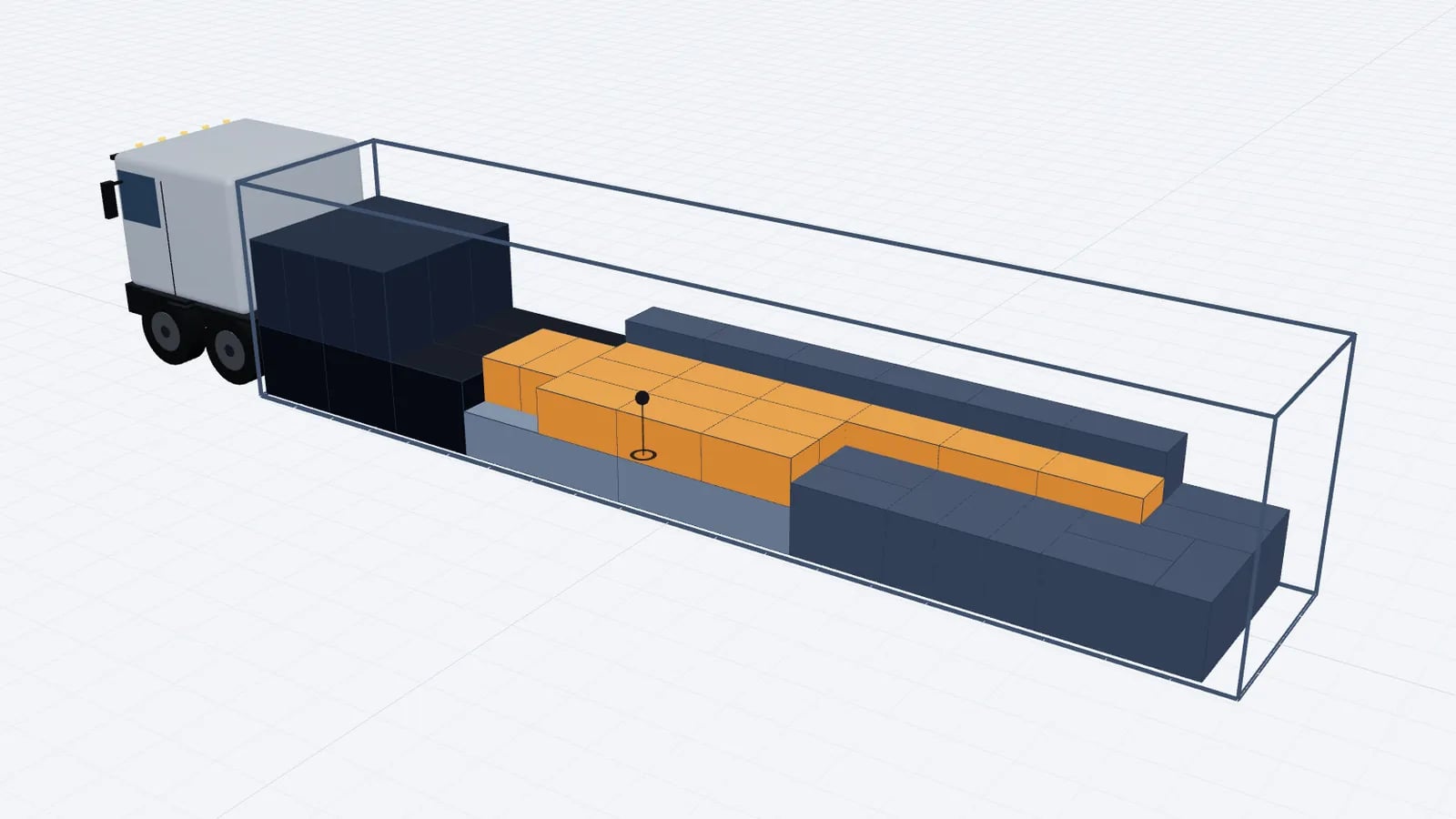
Industry guides · · 9 min read
Event Logistics: Truck Packing for Tours and Live Events
Truck packing for tours and events: flight case sizes that fill a trailer, load-out order, dollies, weight, the same pack each leg, and a 13.6 m example.
Read article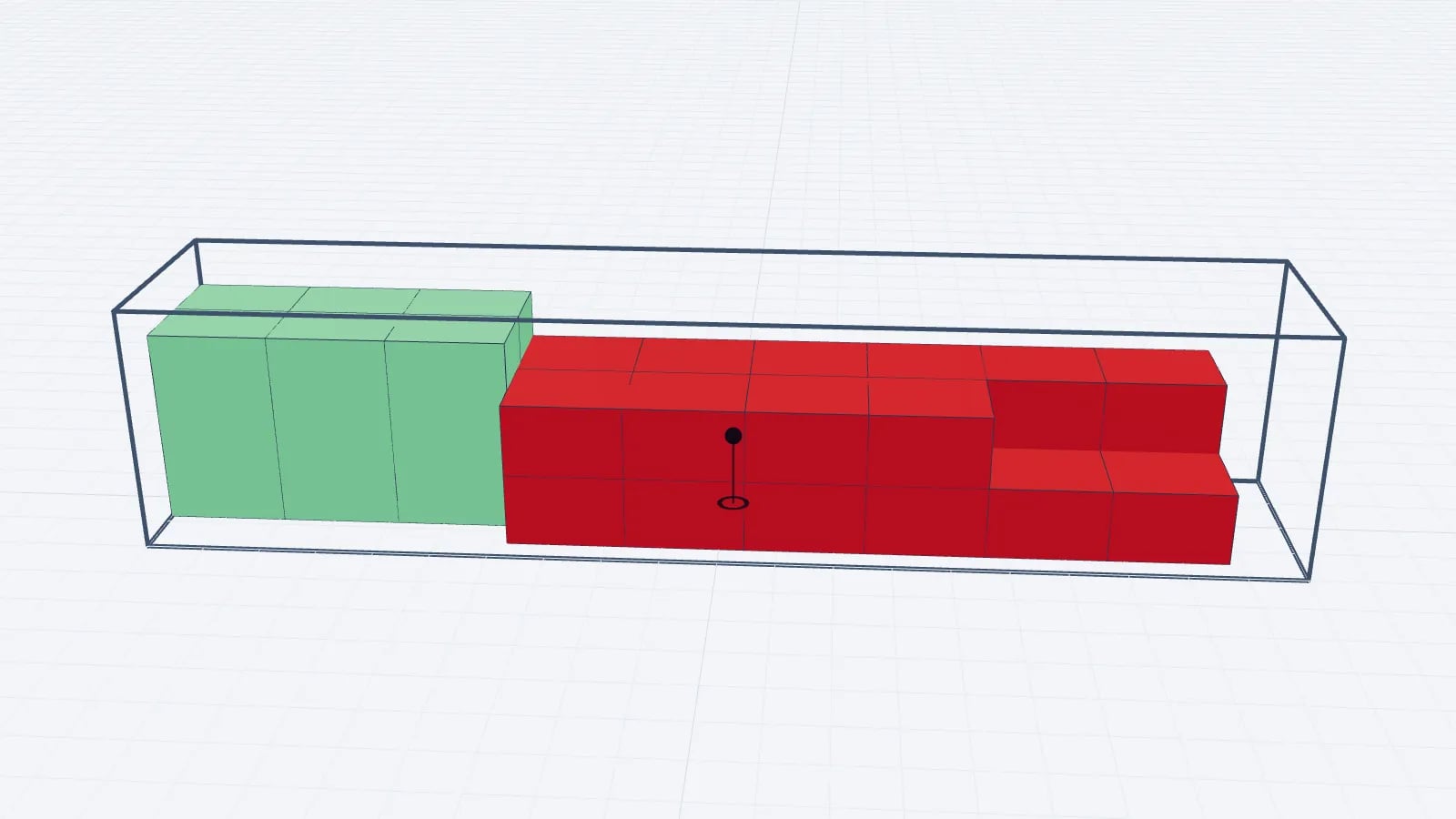
Industry guides · · 5 min read
Fresh Produce Transport: Planning Crates, Bins and Reefers
Fresh produce transport planning: crates and bins, temperature and ventilation in general terms, product compatibility, airflow and when produce weighs out.
Read article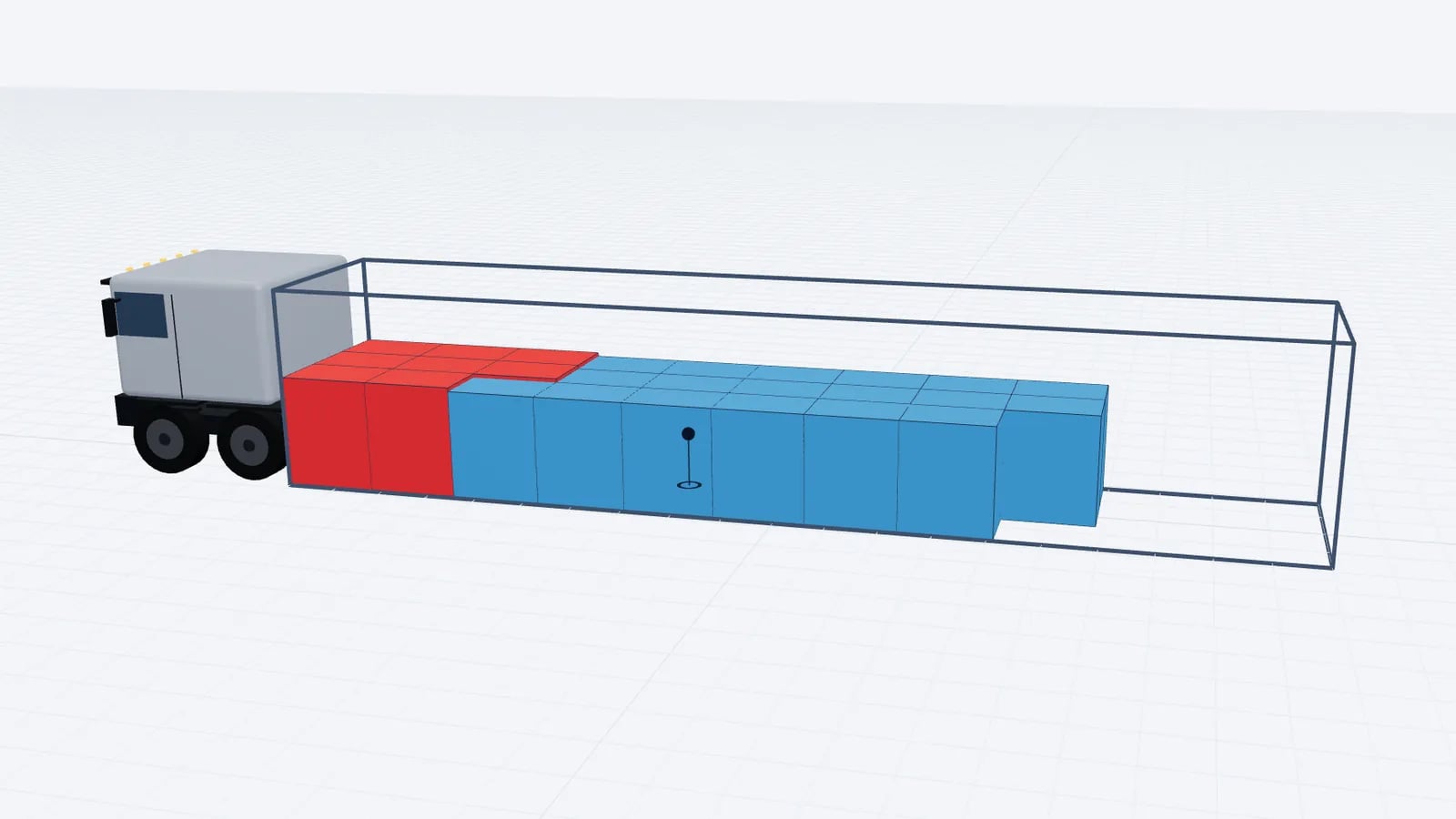
Industry guides · · 6 min read
Beverage Pallet Loading: Plan for Weight Before Volume
Beverage pallets run out of payload long before the trailer is full. How to work out the pallet count, spread the weight over the axles and decide on stacking.
Read article